

Description
Why PowerMat Pro DUO?
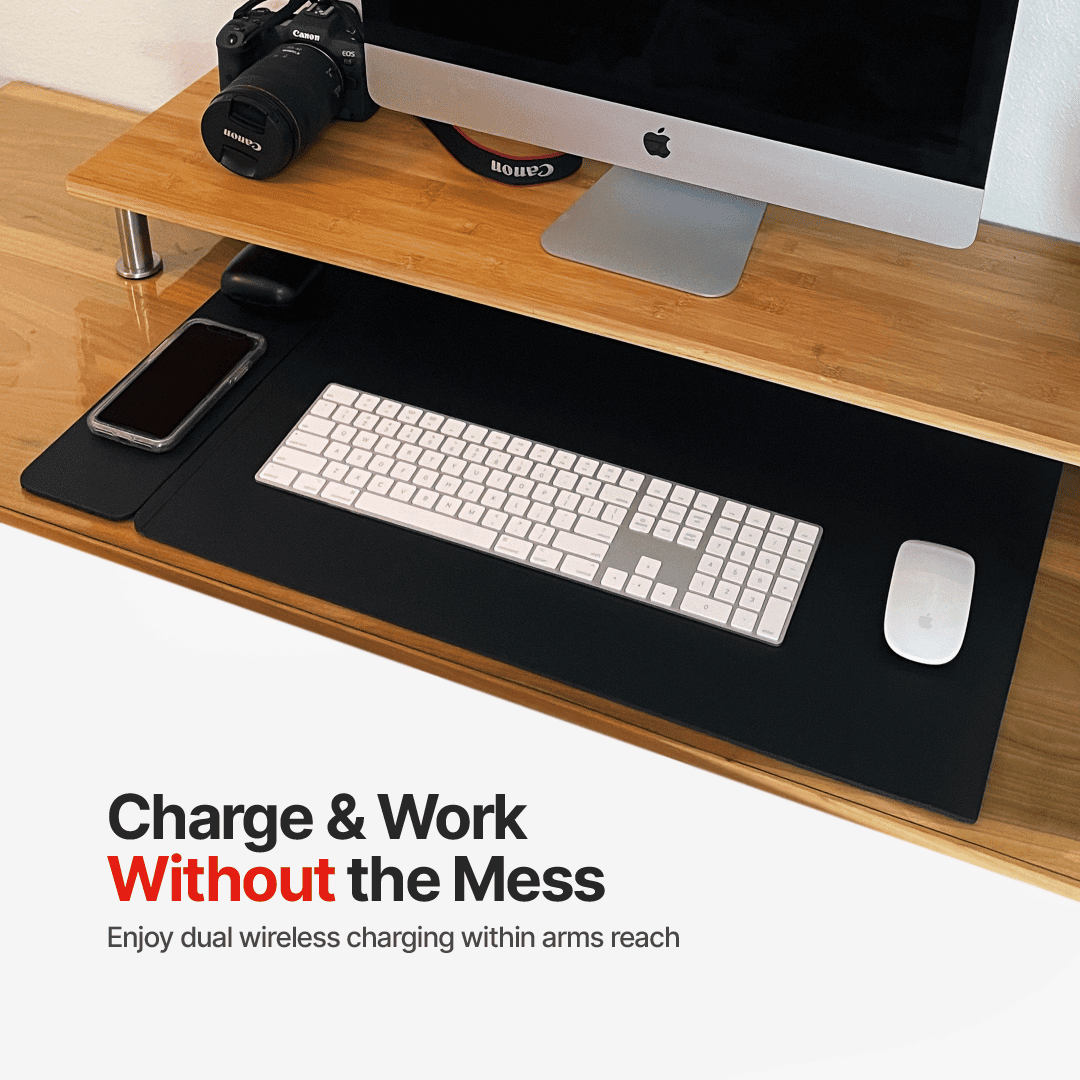
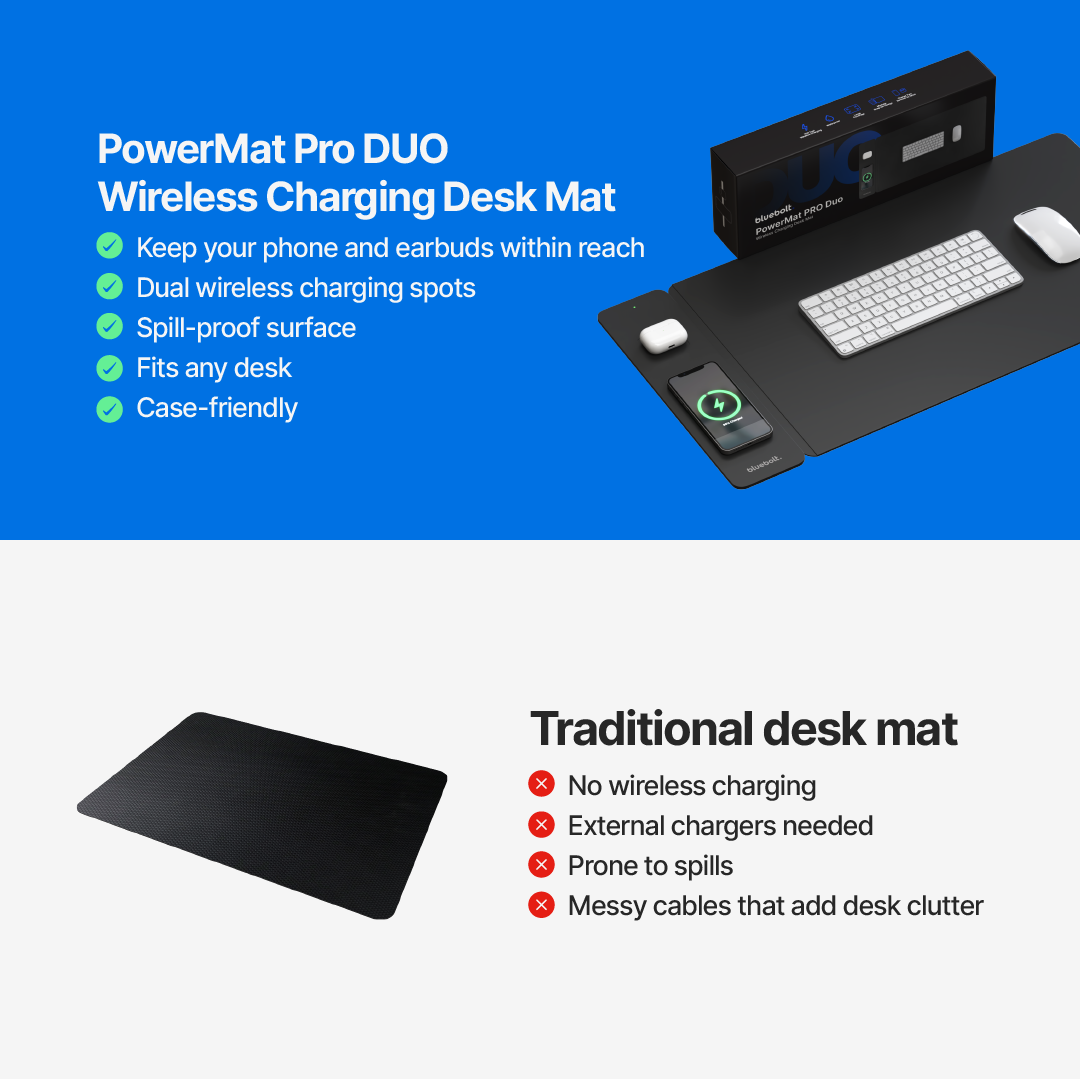
Charge without the mess
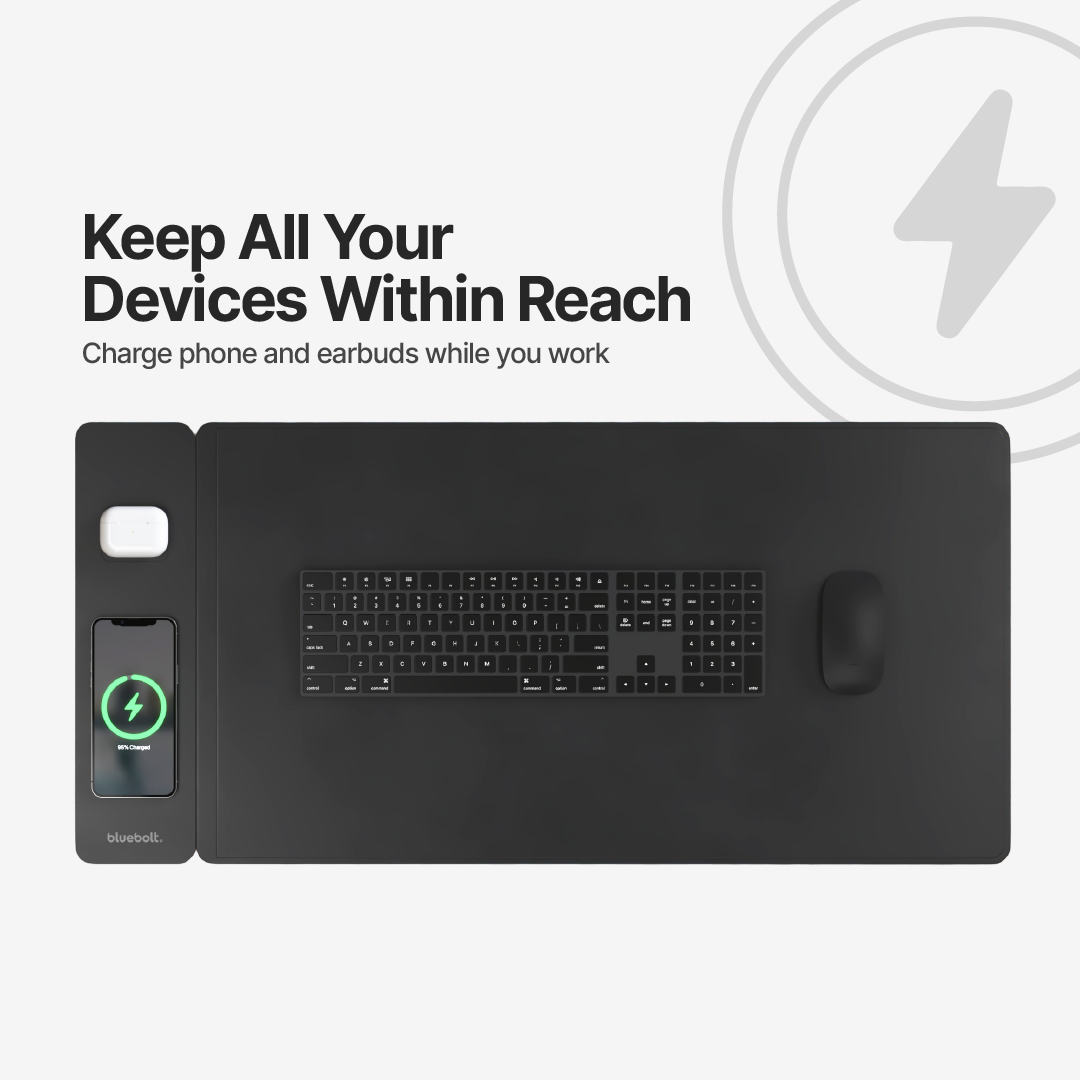
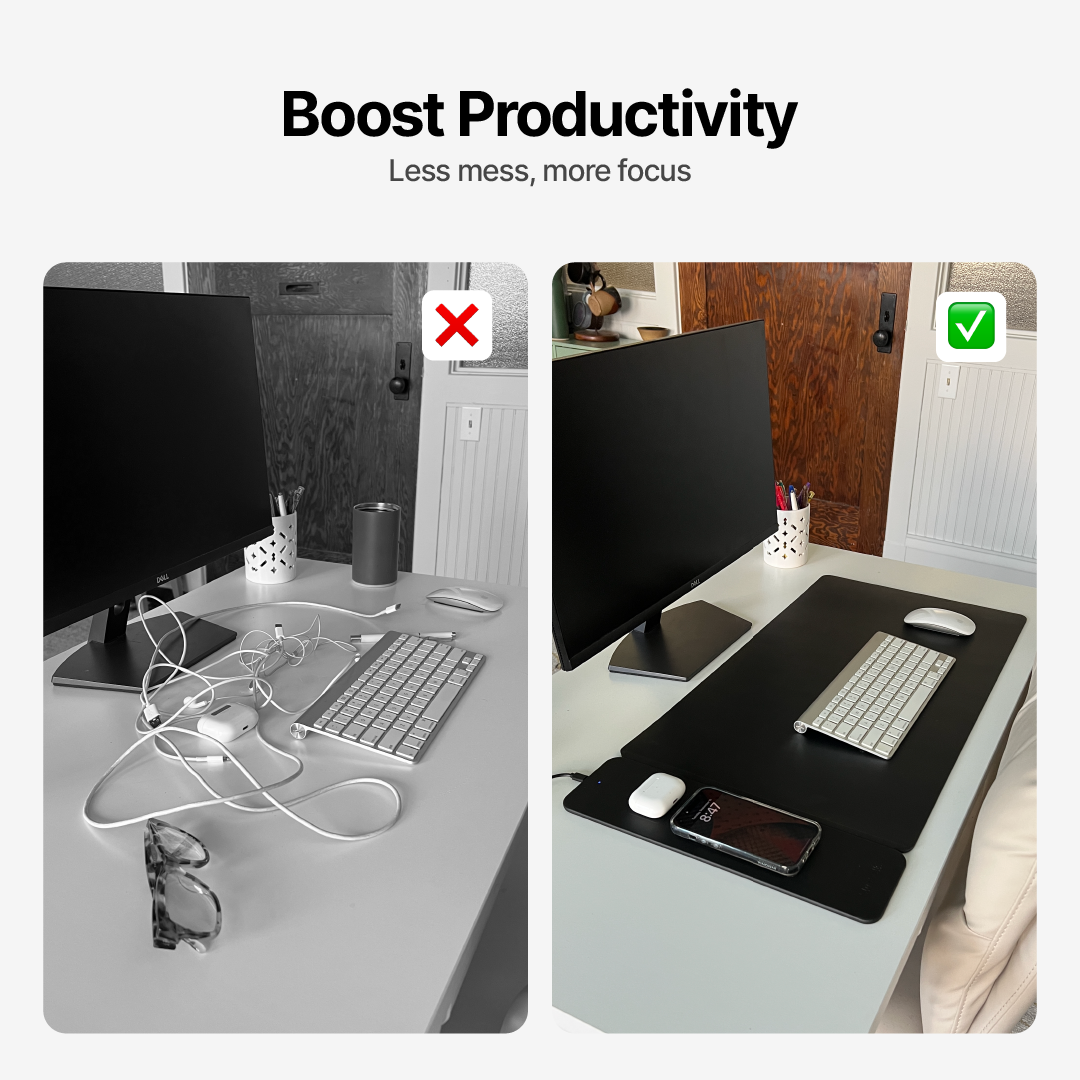
Wireless dual charging clears up desk clutter instantly
Stay focused
Keep your space clean so you can stay productive
Spill-proof your desk
Keeps your workspace safe from coffee, water, and accidents
Upgrade your workspace
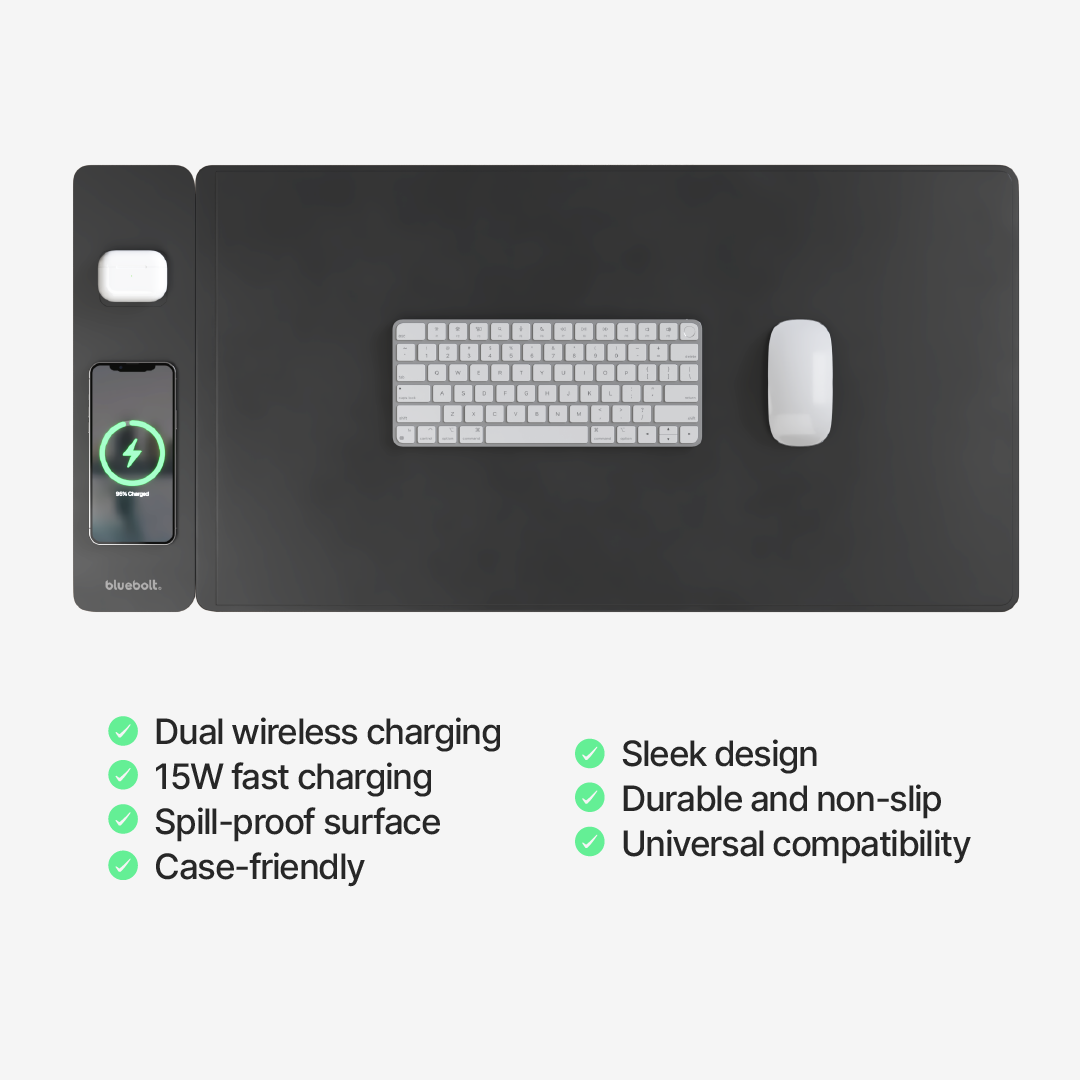
Sleek design fits any setup
Product Details
Colour: Black
Size: 78cm x 37cm x 0.4cm
Input: 9V/1.67A.
Output: 9V/1.2A 12V/1.25A
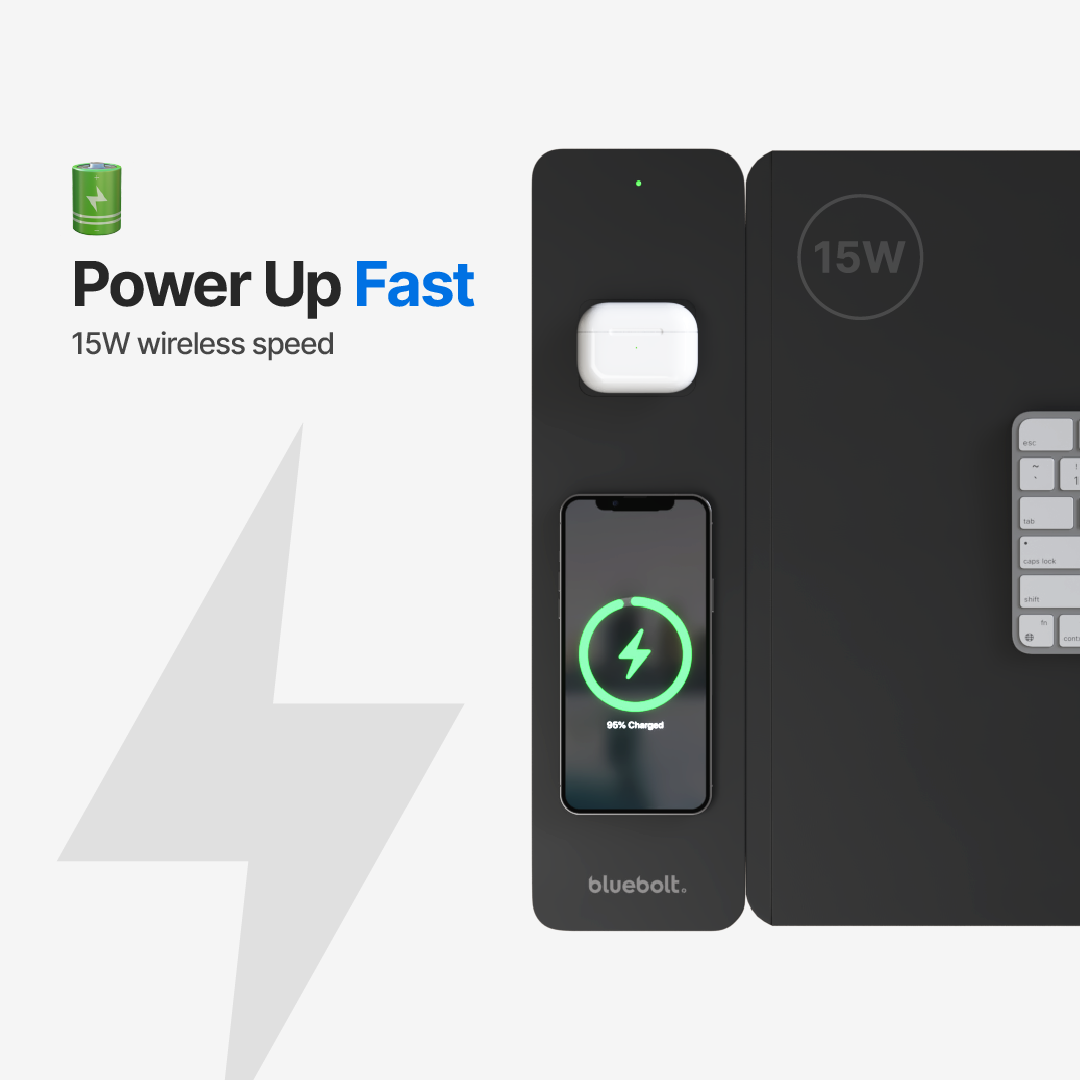
Power: 15W
Transmissiondistance: 6mm
Chargingefficiency: 75%
Workingenvironment: -10℃ -40℃
Interface: Type-C
What’s Included
x1 PowerMat Pro DUO Desk Mat
x1 User Manual
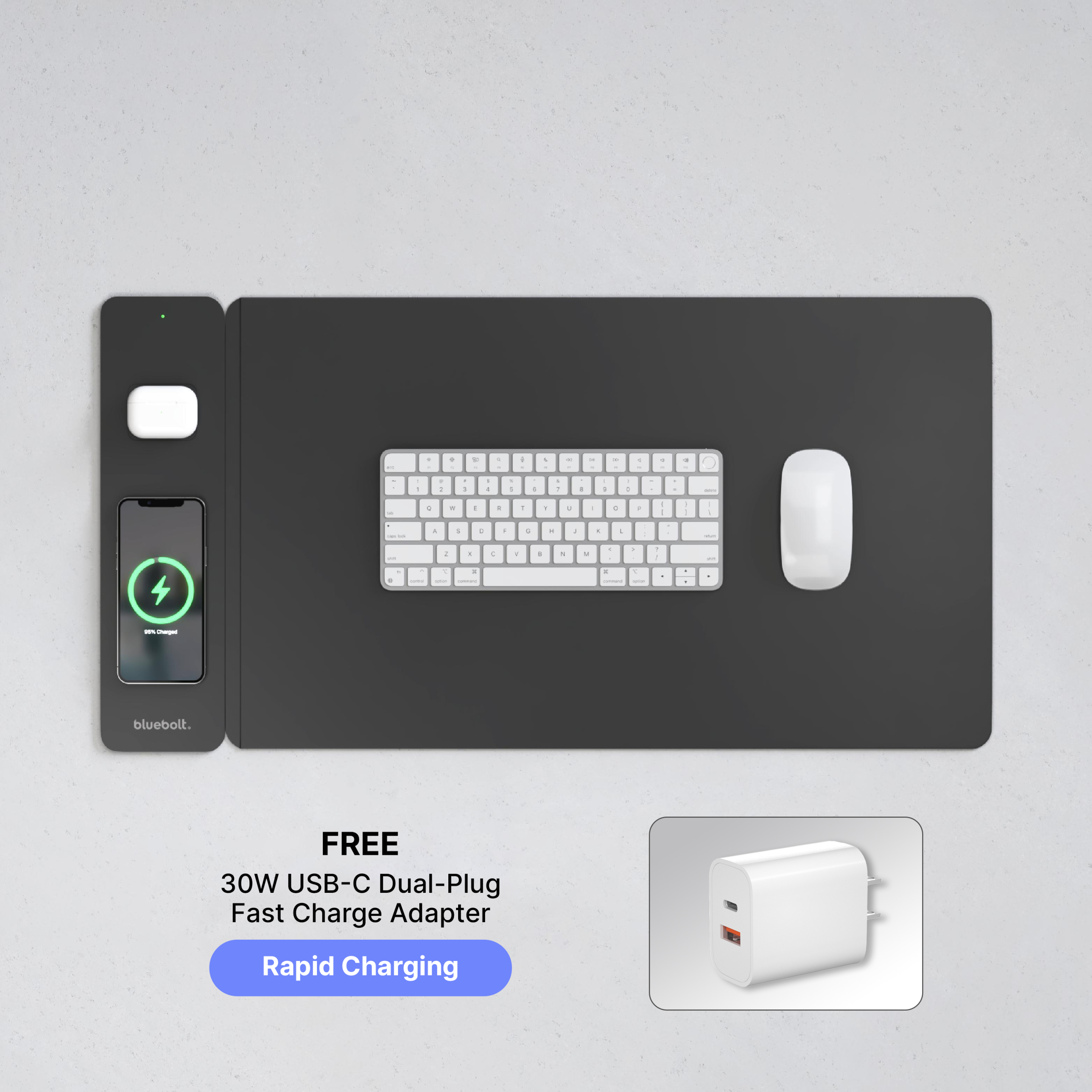
x1 FREE 30W Dual Port Fast Charge Adapter
Compatibility
iPhone:
– iPhone 12, iPhone 12 Mini , iPhone 12 Pro, iPhone 12 Pro Max
– iPhone 13, iPhone 13 Mini, iPhone 13 Pro, iPhone13 Pro Max
– iPhone 14, iPhone 14 Plus, iPhone 14 Pro, iPhone 14 Pro Max
– iPhone 15, iPhone 15 Plus, iPhone 15 Pro, iPhone 15 Pro Max
– iPhone 16, iPhone 16 Plus, iPhone 16 Pro, iPhone 16 Pro Max
– (with magnetic ring) iPhone11,iPhone 11 Pro, iPhone 11 Pro Max
– (with magnetic ring) iPhone X, iPhone XR, iPhone Xs, iPhone Xs Max
– (with magnetic ring) iPhone 8, iPhone 8s, iPhone 8 Plus
AirPods:
– AirPods 2 (Wireless Charging edition), AirPods 3, AirPods 4, AirPods Pro, AirPods Pro 2
Charger also supports charging Qi Enabled Smartphones:
Samsung Galaxy: S6, S6 Active, S6 Edge, S6 Edge Plus, S7, S7 Active, S7 Edge, S8, S8 Active, S8 Plus, Note 8, S9, S9 Plus, Note 9, S10, S10e, S10 Plus, Note 10, Note 10 Plus, S20, S20 Plus, S20 Ultra (5G), S20 FE, Note 20, Note 20Ultra, S21, S21 Plus, S21, S22
Samsung Buds: Galaxy Buds, Galaxy Buds+, Galaxy Buds Live
Google: Pixel 3, 4, 5 & 6, 7 Pixel Buds
All other wireless charging compatible smartphones are supported.
FAQs
How does the wireless charging feature work?
The PowerMat Pro Duo utilizes advanced wireless charging technology, allowing you to simply place your Qi-enabled smartphone or wireless earbuds on the mat’s surface. The mat efficiently transfers power to your devices, ensuring they stay charged throughout your busy day, all while keeping your workspace neat and organized.
Is the PowerMat Pro Duo really waterproof? How does it handle spills?
The PowerMat Pro Duo is engineered with a waterproof and spill-proof design. Accidents happen, but they won’t slow you down. This mat is built to withstand spills, ensuring that your devices and desk are well-protected. Carry on with your tasks worry-free, knowing your workspace is shielded by the PowerMat Pro Duo’s durable and reliable construction.
Can I use the PowerMat Pro Duo with a phone case on my smartphone?
Yes, you can! The PowerMat Pro Duo is designed to work with most slim to moderately thick phone cases, so you won’t need to remove your case every time you want to charge your smartphone wirelessly. Just place your device on the mat, and it will charge effortlessly, providing you with both convenience and versatility.
Can I charge multiple devices simultaneously on the PowerMat Pro Duo?
The PowerMat Pro Duo is designed to accommodate multiple devices at once. Whether you need to charge your smartphone, wireless earbuds, or both, the mat’s spacious surface offers ample room for simultaneous charging.
Can I use the PowerMat Pro Duo with any smartphone or wireless earbuds?
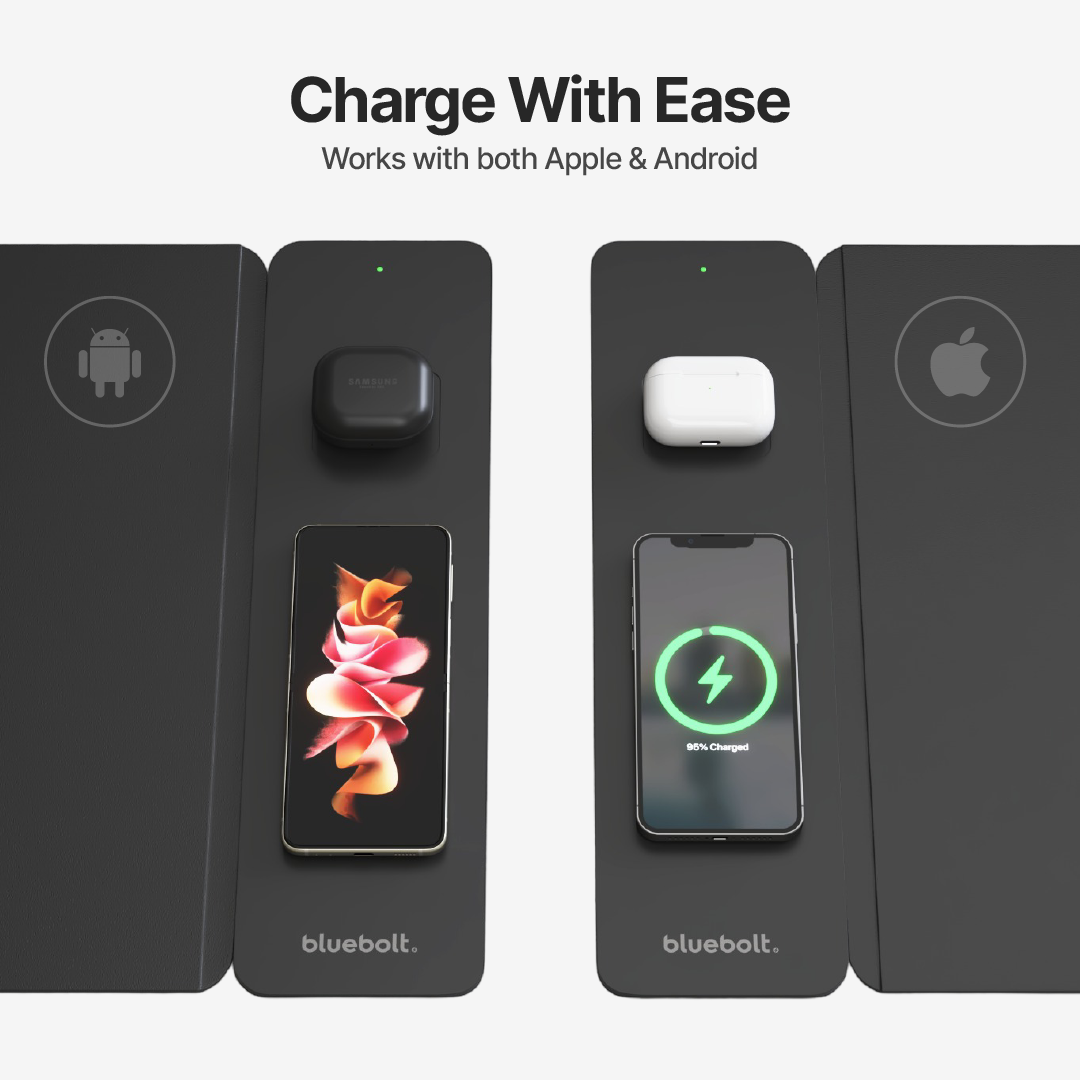
The PowerMat Pro Duo is compatible with a wide range of Qi-enabled smartphones and wireless earbuds, ensuring you can power up your devices seamlessly. Whether you’re an iPhone or Android user, or you have different wireless earbuds, the PowerMat Pro Duo has you covered, making it the ultimate charging solution for everyone.
How fast does the wireless charging work on the PowerMat Pro Duo?
The PowerMat Pro Duo features advanced wireless charging technology that delivers 15W efficient and fast charging to your devices. You can expect a swift and reliable charging experience that keeps you connected and powered up throughout your day.
Important Information
Don’t place credit cards, passports, security badges, or key fobs on your wireless charging pad because this might damage the magnetic strips or RFID chips in those items.
If you have a case that holds any of these sensitive items, remove them before charging or make sure that they aren’t between the back of your device and the charger.
Reviews
There are no reviews yet.