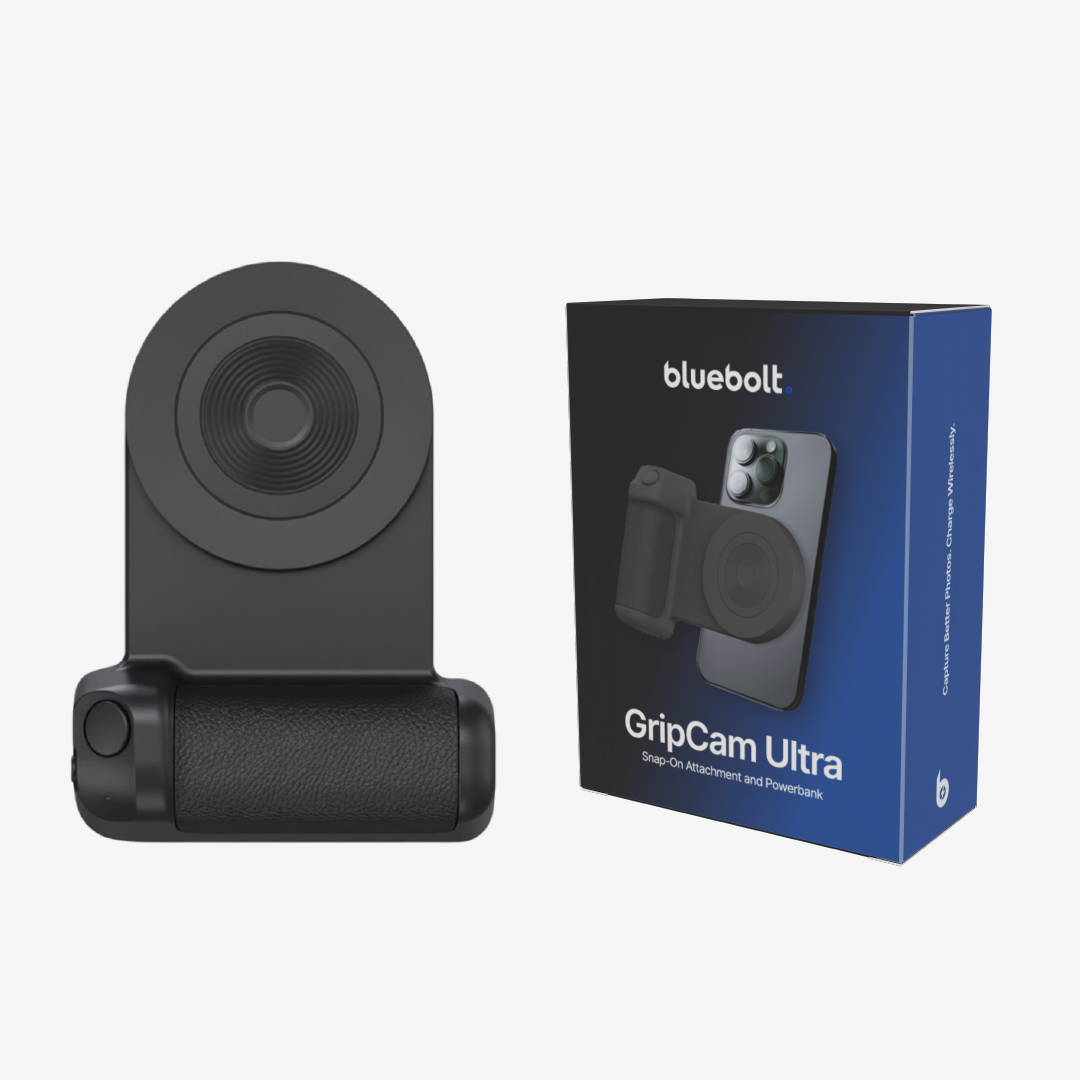
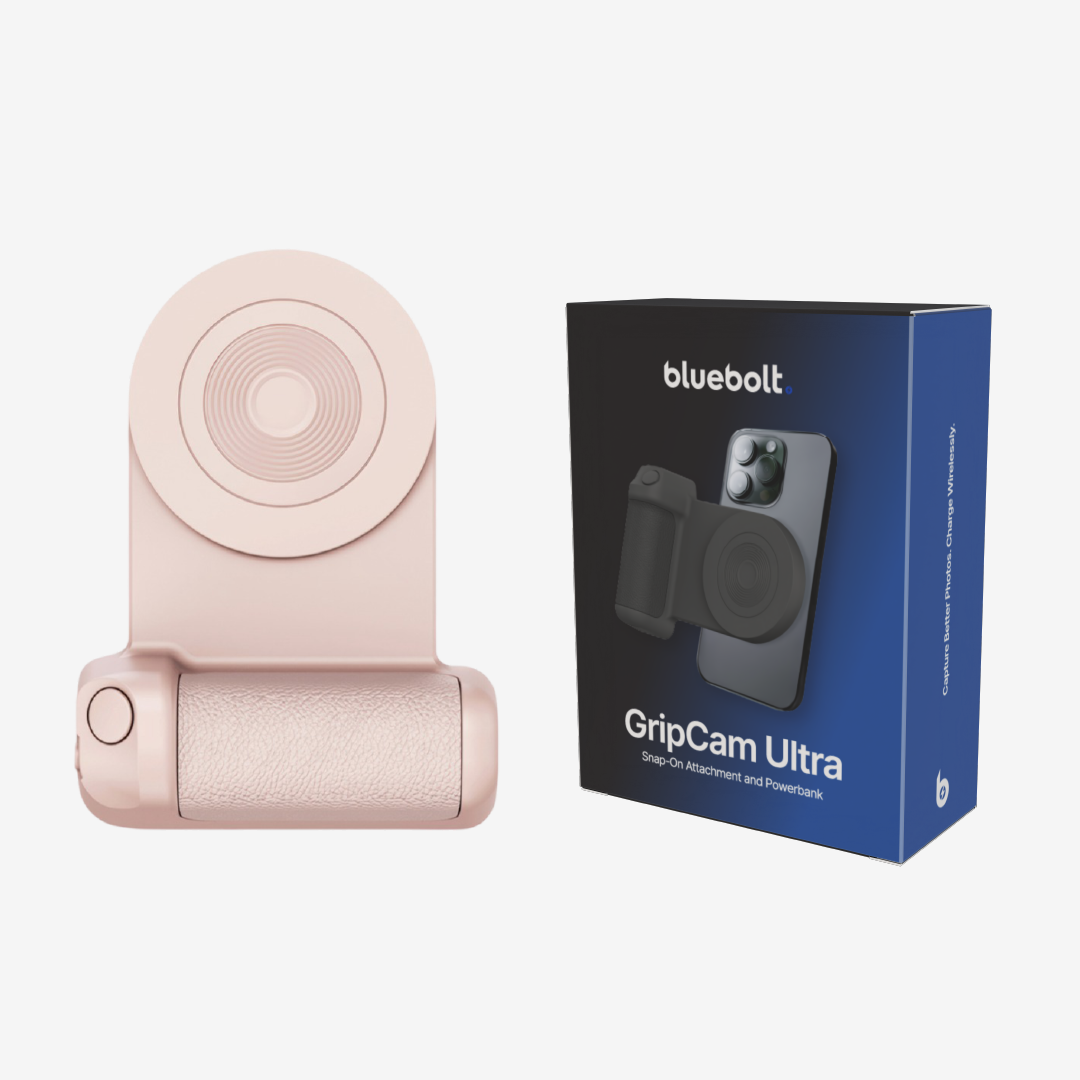
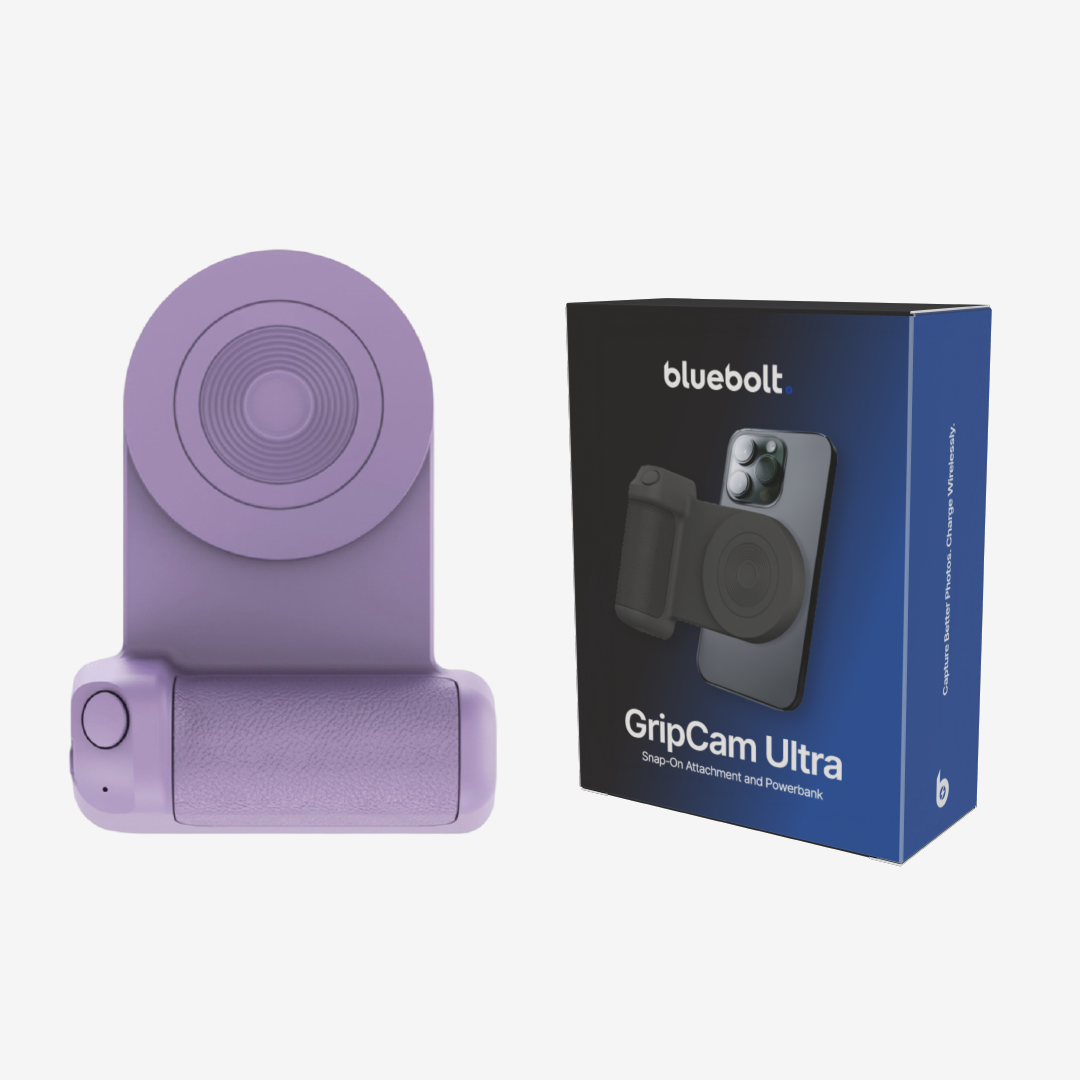
Description
Why GripCam?
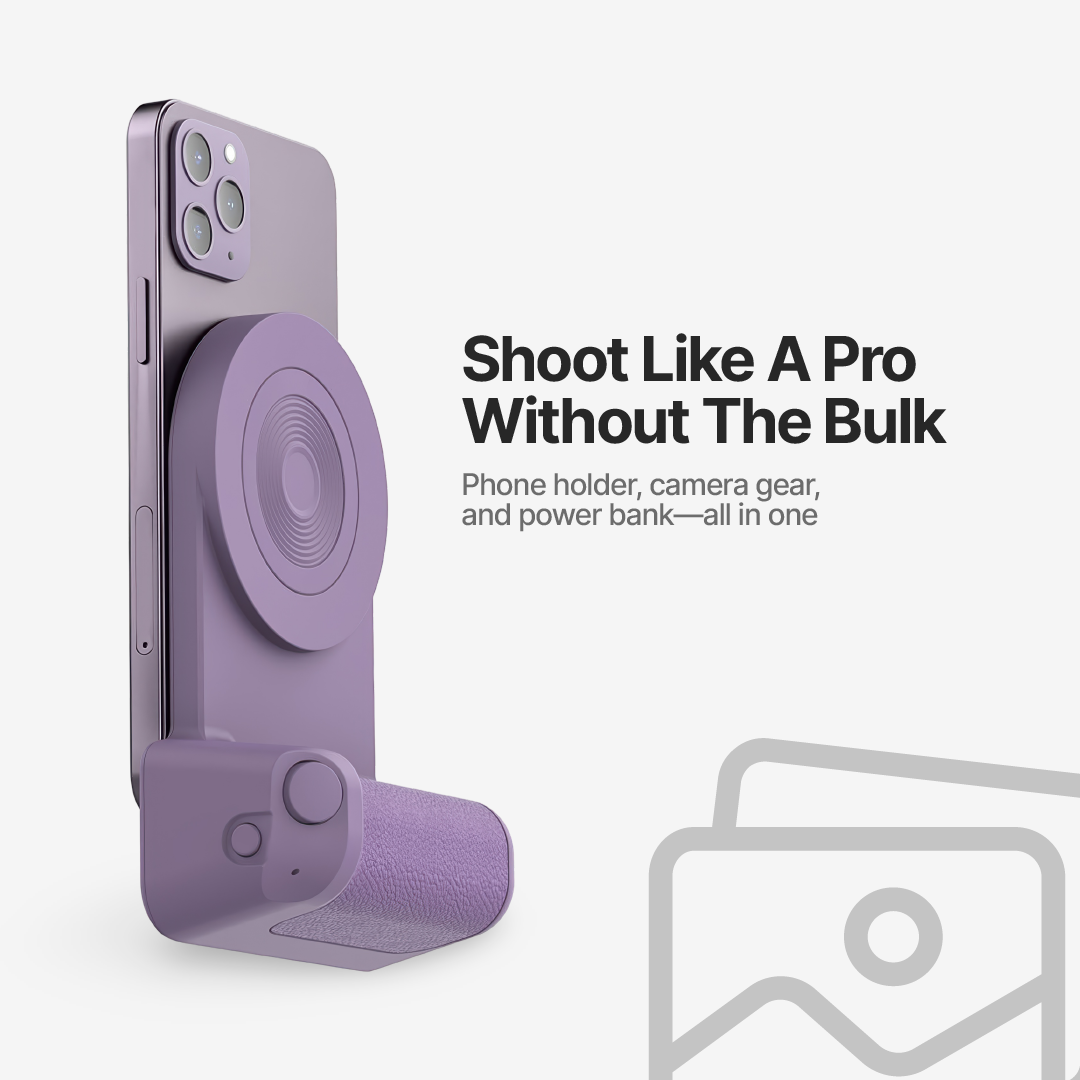
Create Pro-Level Content Anywhere
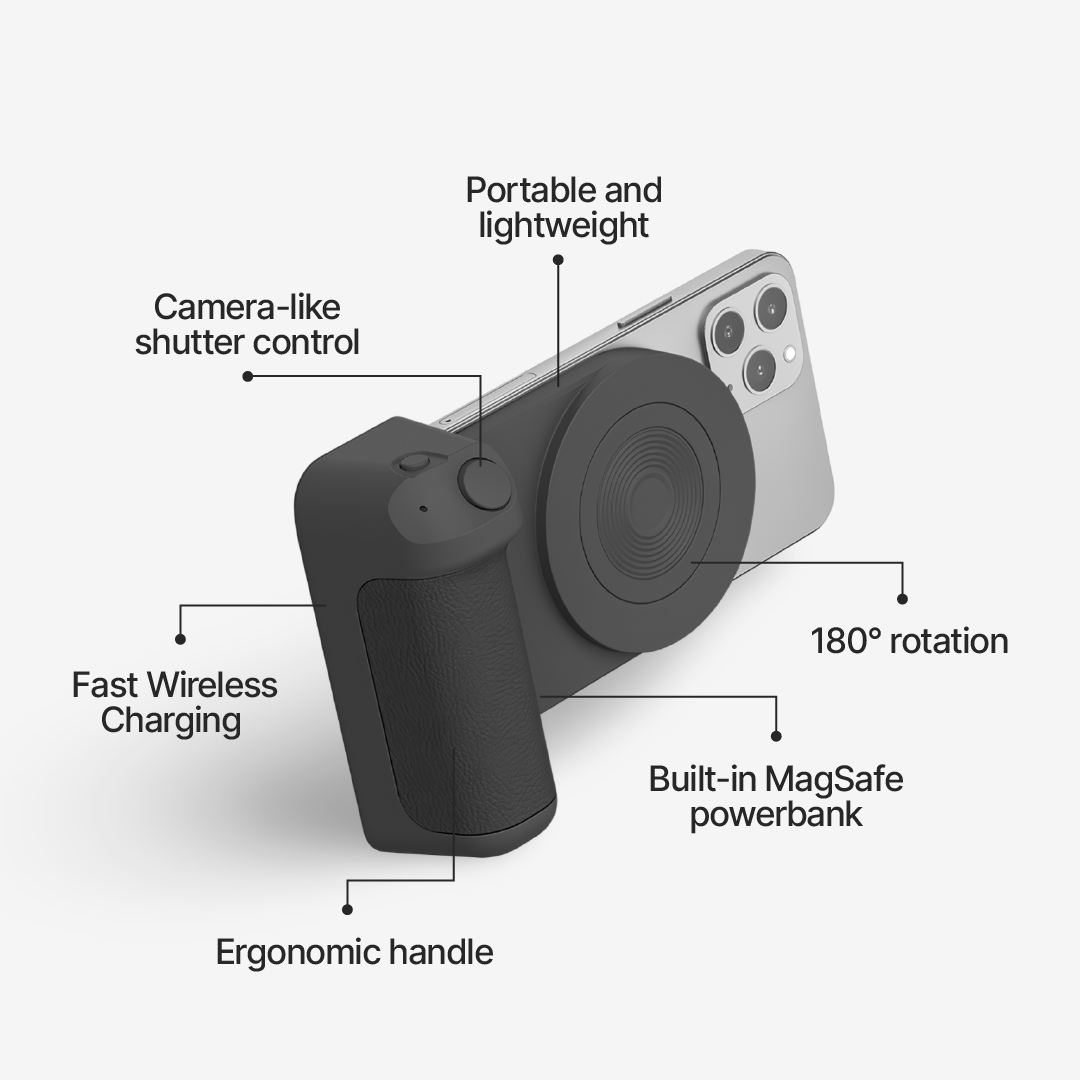
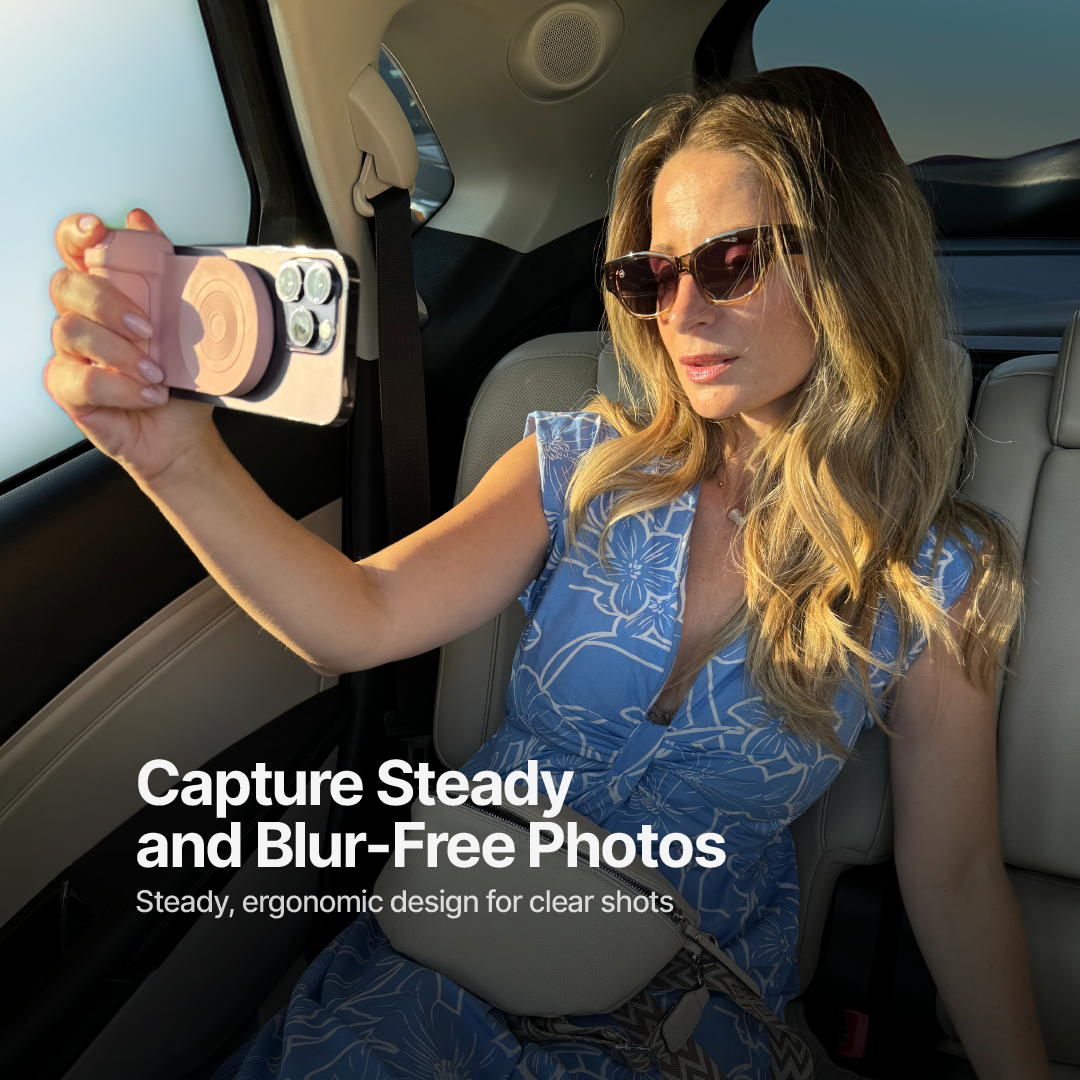
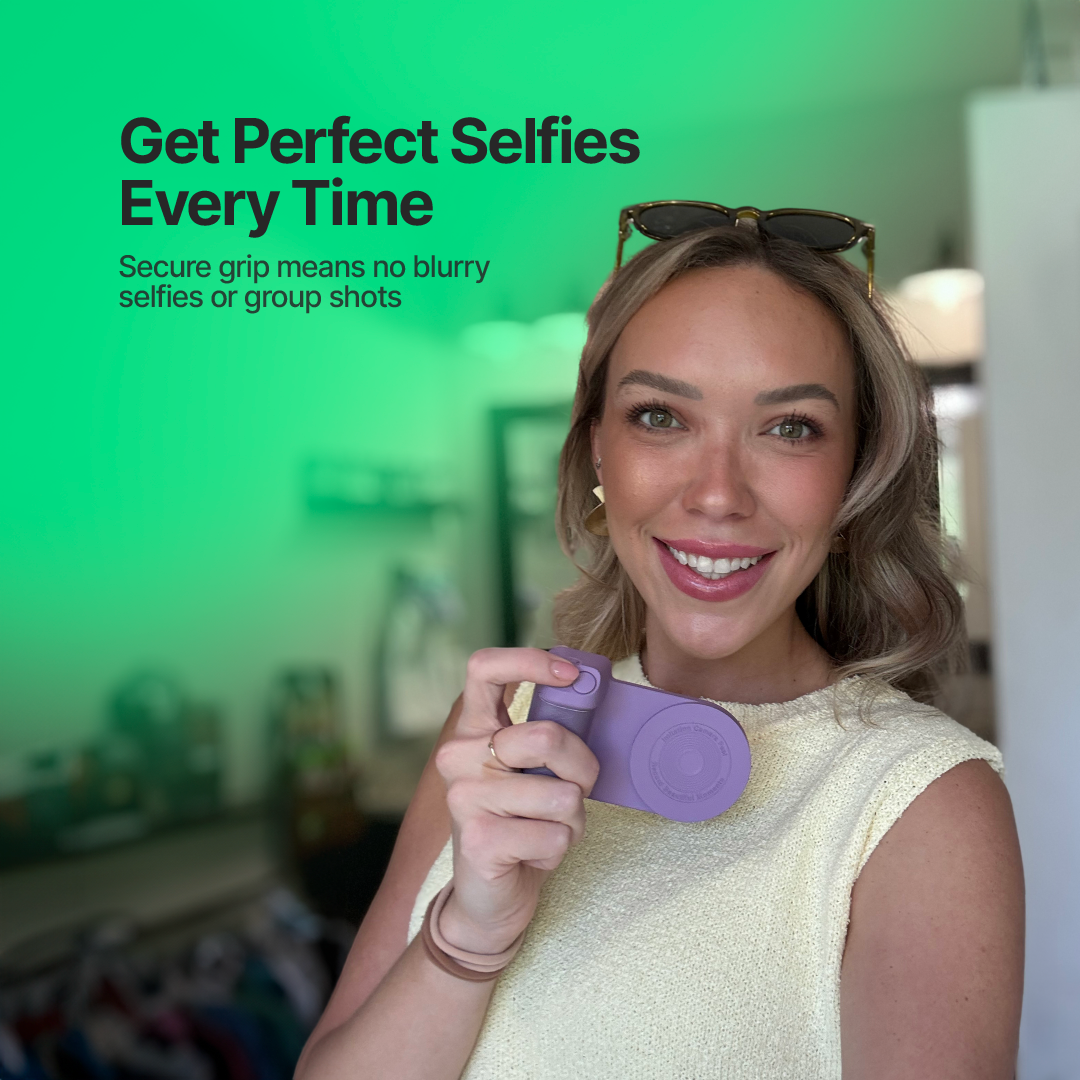
The strong magnetic grip keeps your phone steady for flawless shots, even on the move
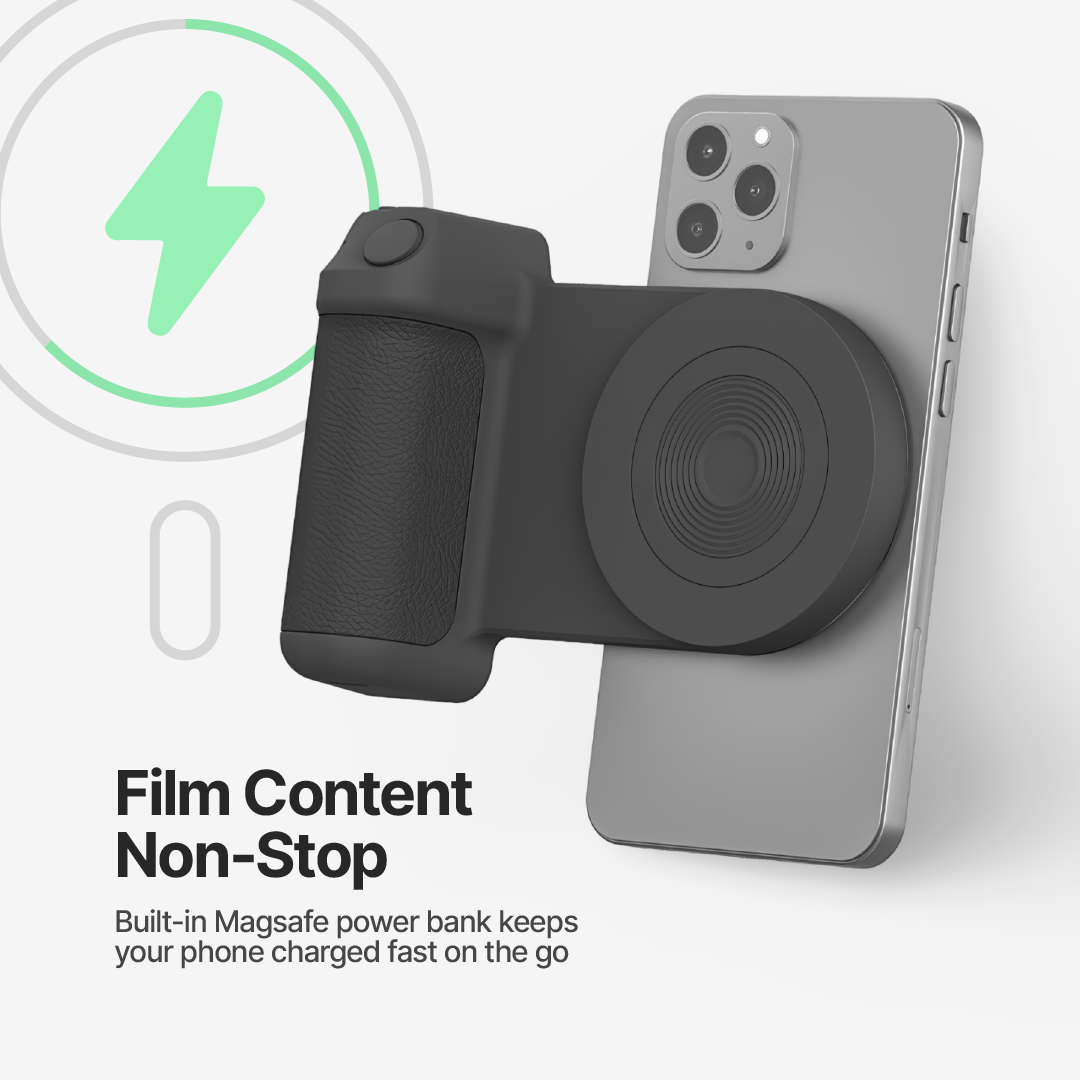
Shoot Non-Stop
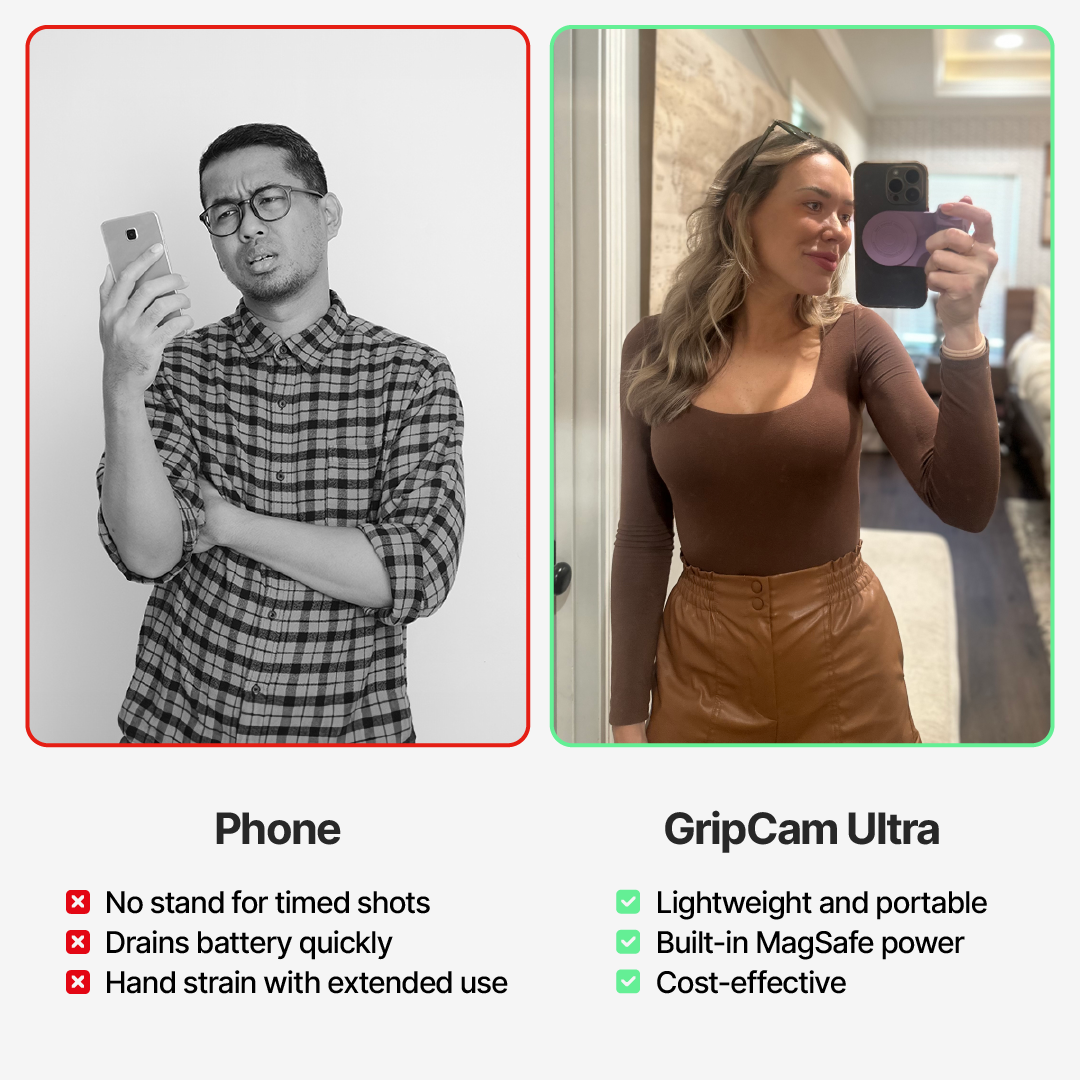
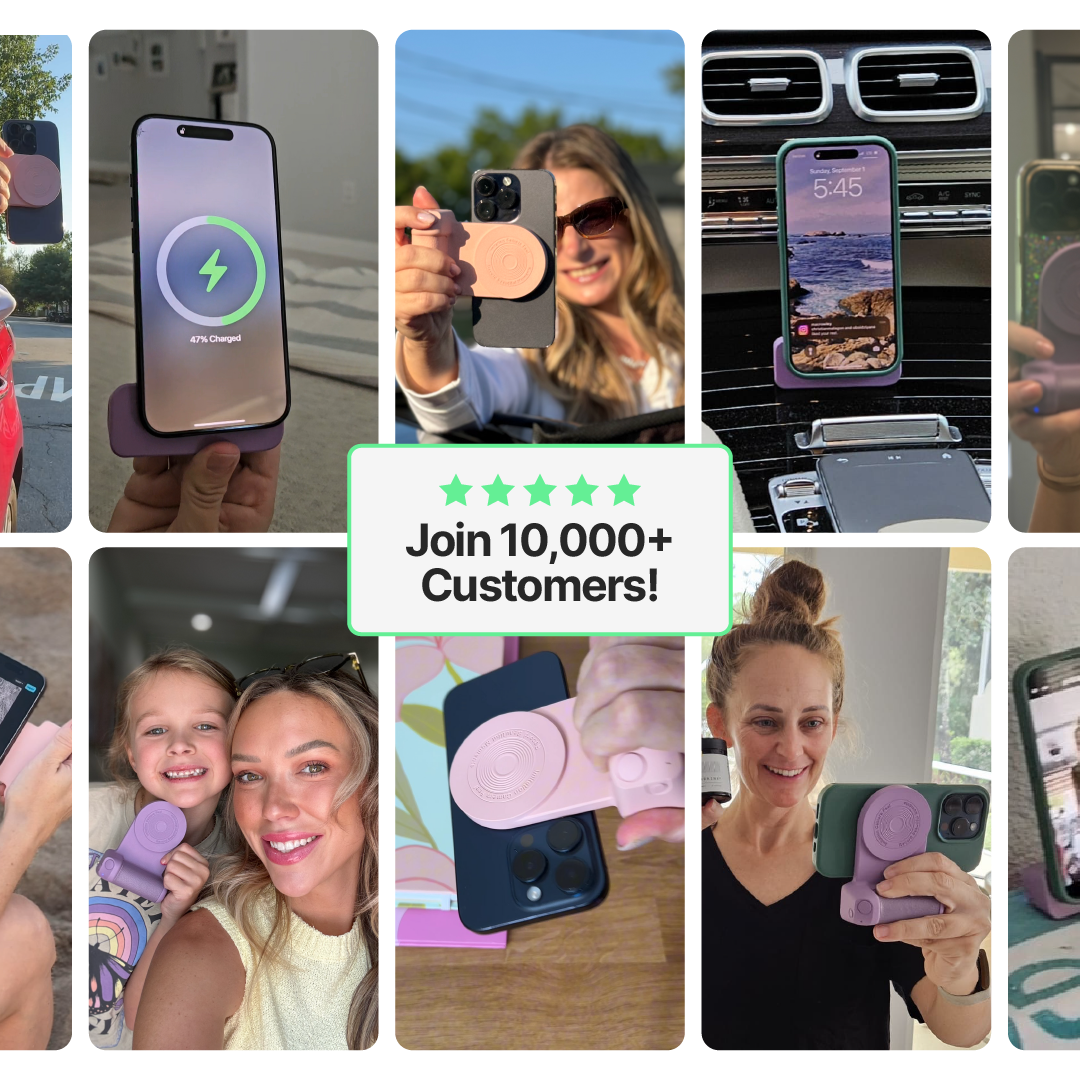
The built-in power bank keeps your phone powered up, so you’re always ready to go
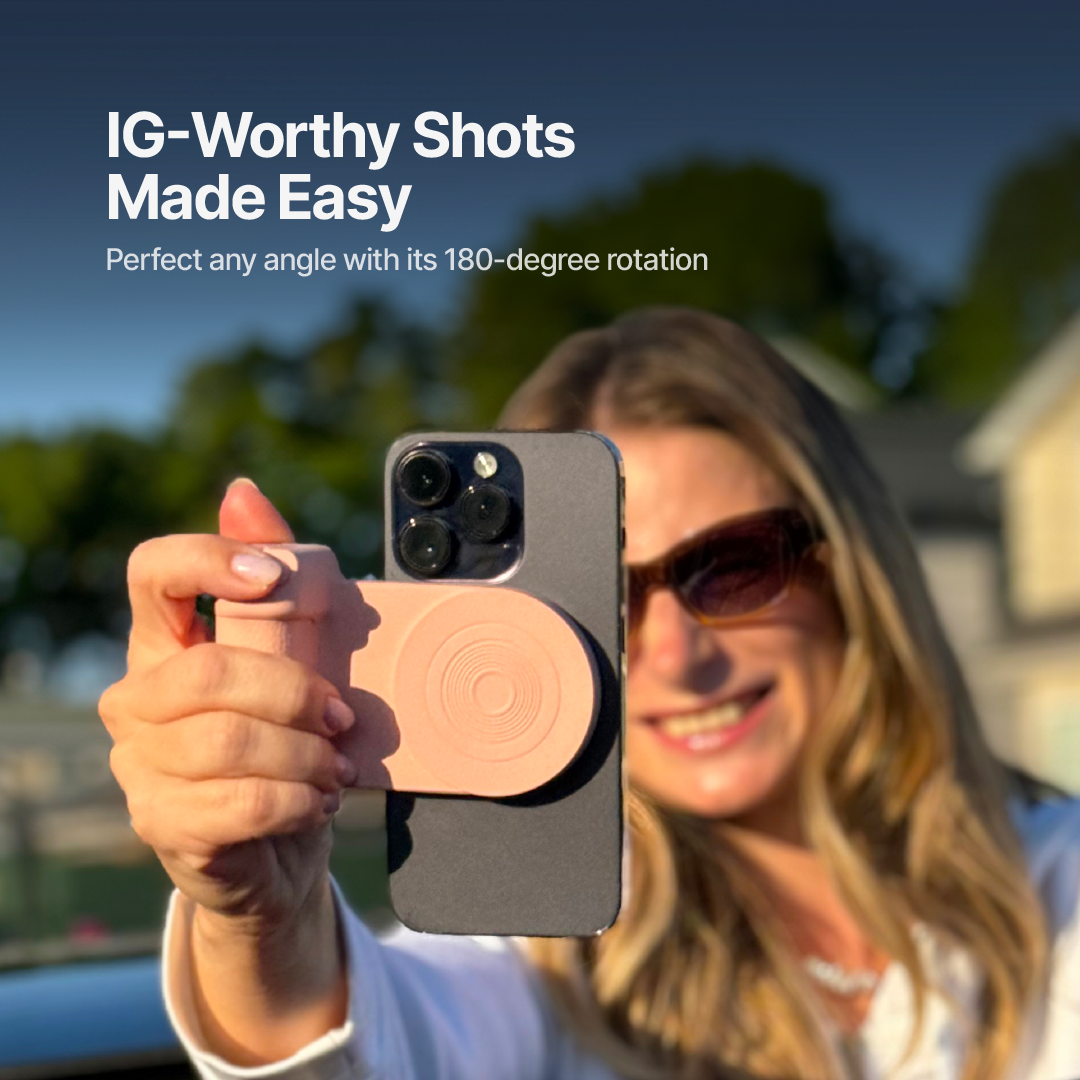
Get the Perfect Shot
Adjust the angles effortlessly to capture your best content every time
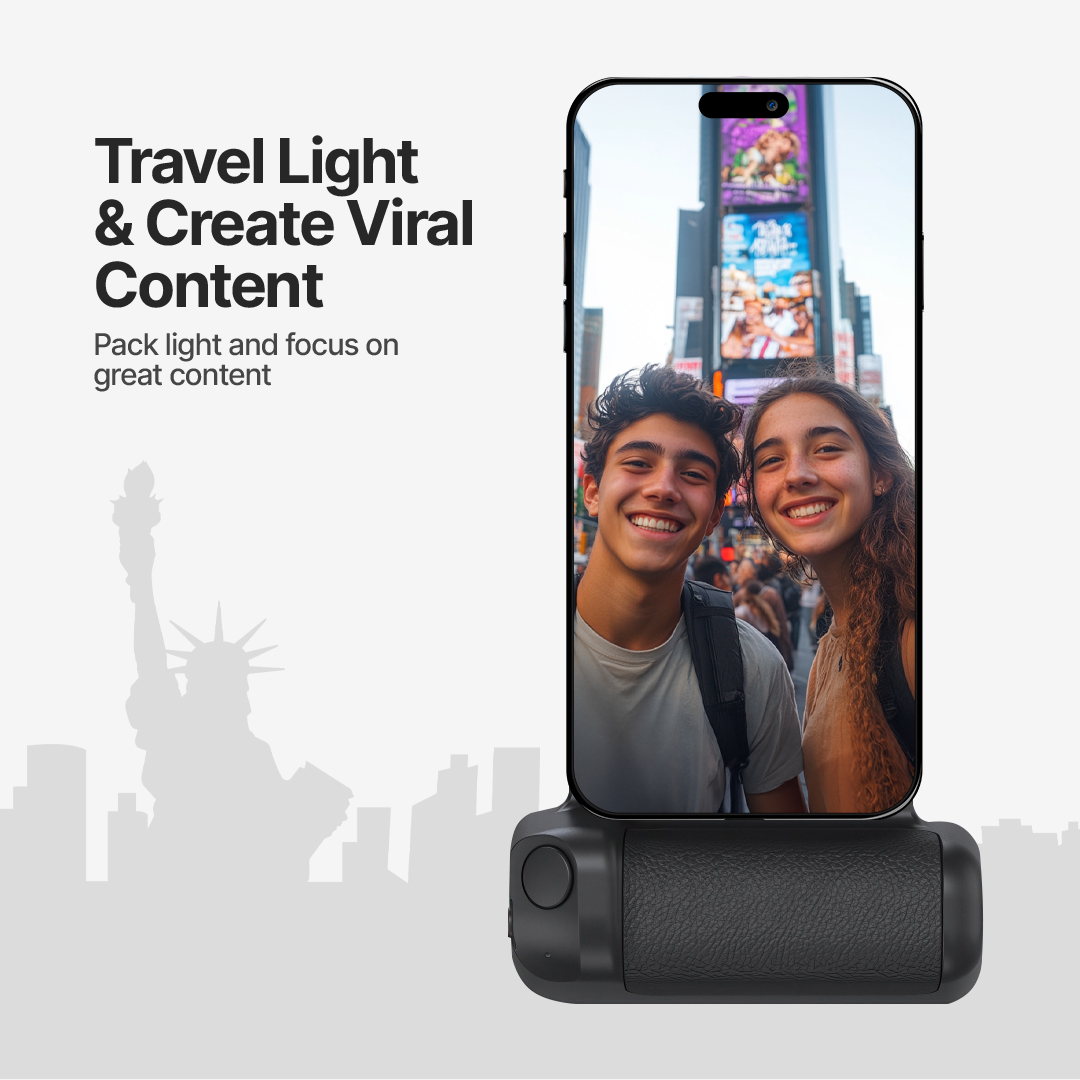
Lightweight and Travel-Friendly
Compact design fits in your bag, making it easy for content creation on the go
Product Details
Materials:
– ABS
– PU
– Silicone
– N52 Magnet
Colors:
– Matte Black
– Rose Pink
– Lilac Purple
Size:
– 11.2*8.3*3.5 cm
– 4.41*3.27*1.38 in.
Weight: 115 grams
Battery capacity: 3300mAh
Input interface: Type-C
Input:
– DC 5V/2A
– DC 9V 1.3A
– DC 12V/1A
Wireless charging power: 10W
Bluetooth Compatible version: 5.0
What’s Included
x1 GripCam Ultra
x1 Type C Charging Cable
x1 User Manual
x1 Magnetic Ring
Compatibility
Power Bank Charging:
– iPhone Series:
16, 16 Pro/Pro Max/Plus
15, 15 Pro/Pro Max/Plus
14, 14 Pro/Pro Max/Plus
13, 13 Pro/Pro Max/Mini
12, 12 Pro/Pro Max/Mini
– Other phone brands/models that support Qi wireless charging
Phone Holder:
– Any mobile phones with built-in magnets
– Any mobile phones with MagSafe cases or magnetizing rings
Bluetooth:
-Any mobile phones with version 5.0 and higher
FAQs
What phones are compatible with the GripCam Ultra?
The GripCam Ultra is compatible with iPhone Series 12 and above, and other phone brands/models that support Qi wireless charging.
How long does the battery last?
The GripCam Ultra has a 3300mAh battery capacity, providing extended usage for all your photography and charging needs.
Is the GripCam Ultra easy to carry?
Yes, the GripCam Ultra is lightweight and portable, making it convenient to carry anywhere.
Can it be used as a phone stand?
Yes, the GripCam Ultra serves as a phone holder, a Bluetooth-compatible camera accessory, and an emergency charger.
Does it have a good grip?
Yes, the GripCam Ultra features a comfortable, non-slip design with an ergonomic handle for a secure grip.
Is it compatible with both iOS and Android?
Yes, the GripCam Ultra works seamlessly with both iOS and Android devices.
Important Information
How to Connect to Bluetooth?
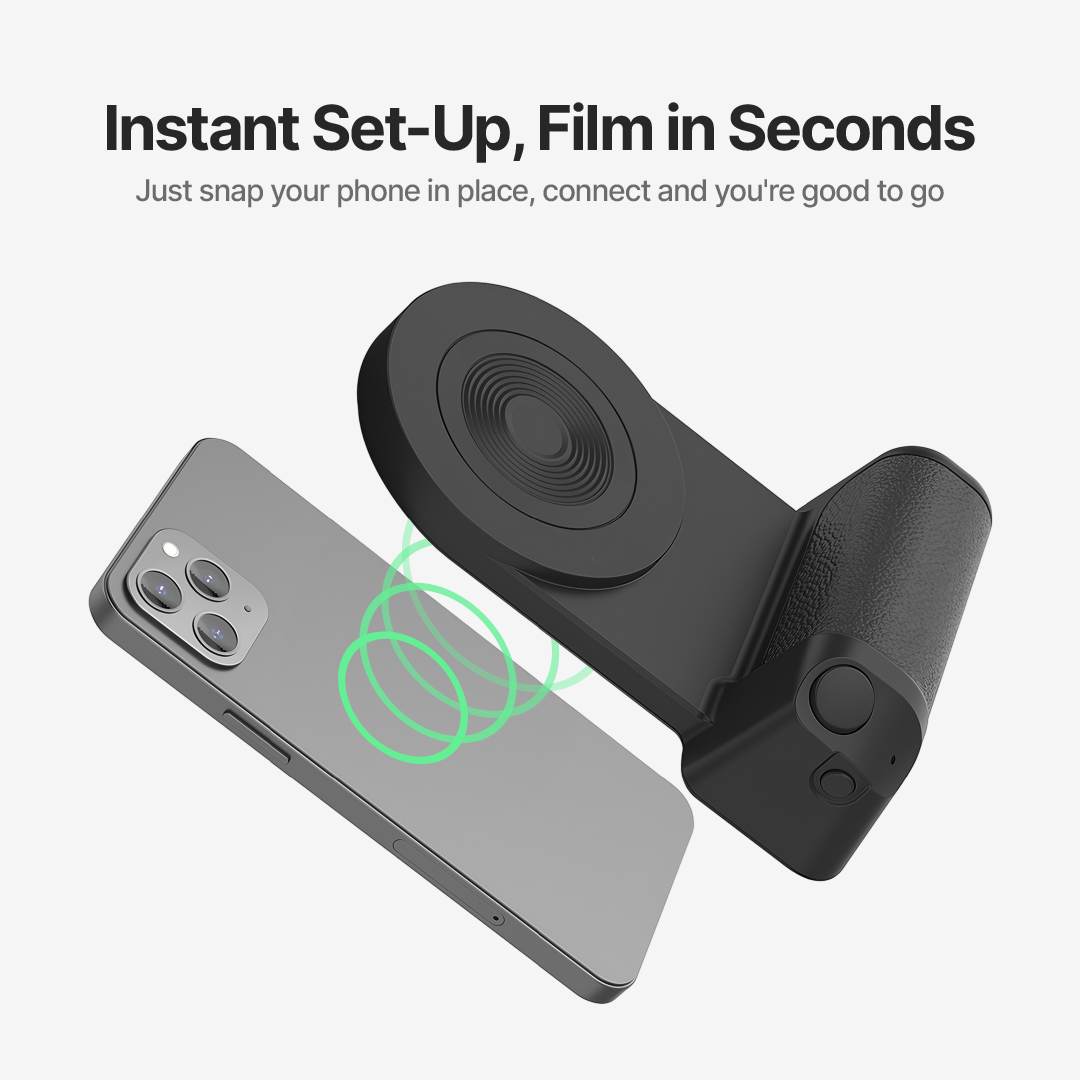
1. Press and hold the ON/OFF button for 2 seconds until the indicator light starts flashing.
2. Enable Bluetooth on your phone and begin searching for devices.
3. Connect GripCam to your phone’s Bluetooth.
Charge Your Devices:
Use the high-capacity power bank feature to charge your phone or other devices on the go.
Use as a Camera Accessory:
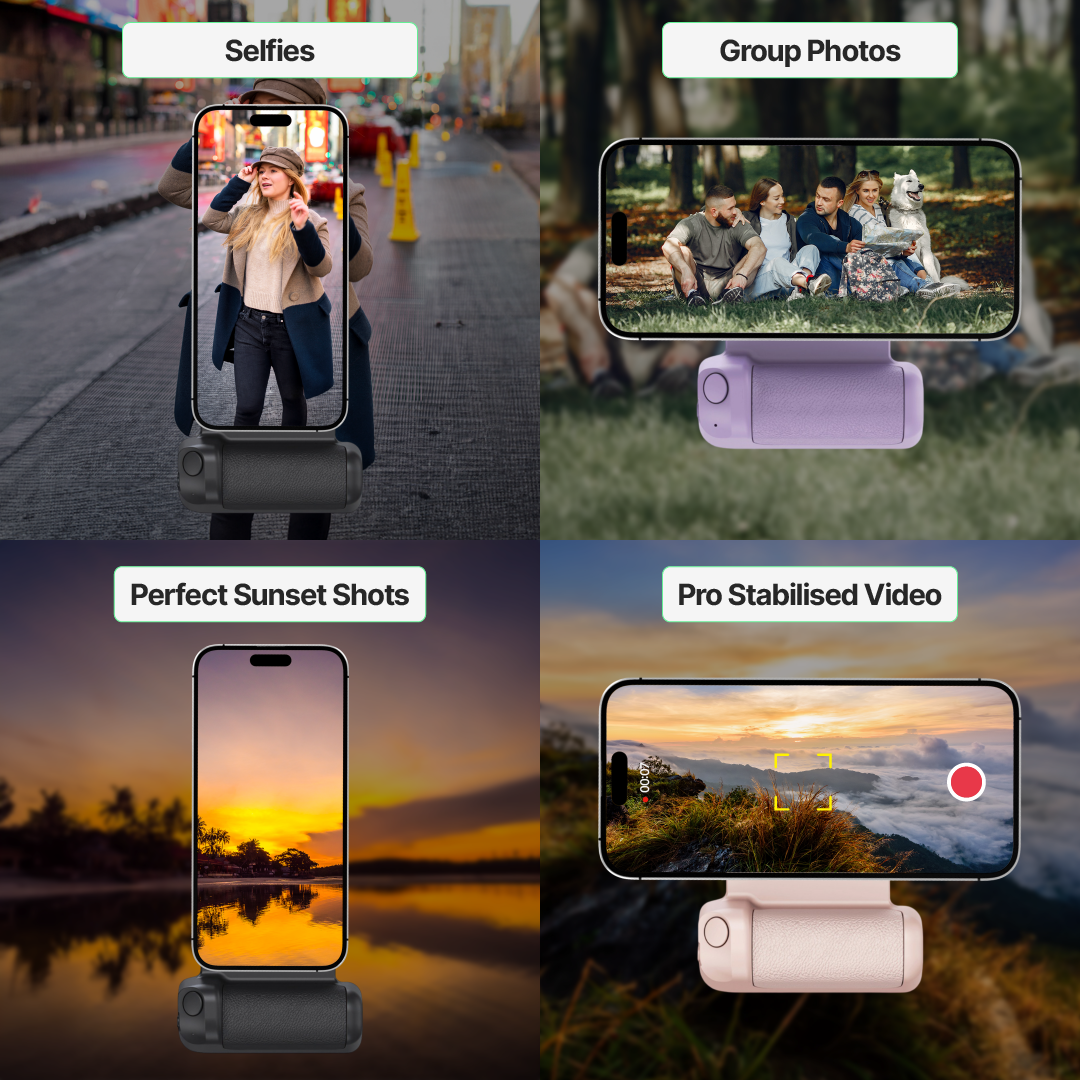
– Connect the GripCam Ultra via Bluetooth to use it as a camera accessory, offering stable and professional-quality shots.
– Place your phone in the holder, which provides a strong magnetic suction to keep it securely in place.
Reviews
There are no reviews yet.