Description
Why NavPlus?
Save Money and Elevate Your Driving Experience
Enjoy luxury features at a lower cost.
Plug and Play
Simply connect and start using.
Wireless! Works Through Bluetooth
Connect effortlessly via Bluetooth.
Play Audio Through Existing Car Speakers
Enjoy great audio through your car system.
Product Details
Screen: 7-inch HD IPS capacitive Screen 13
Screen Resolution: 1280 x 720
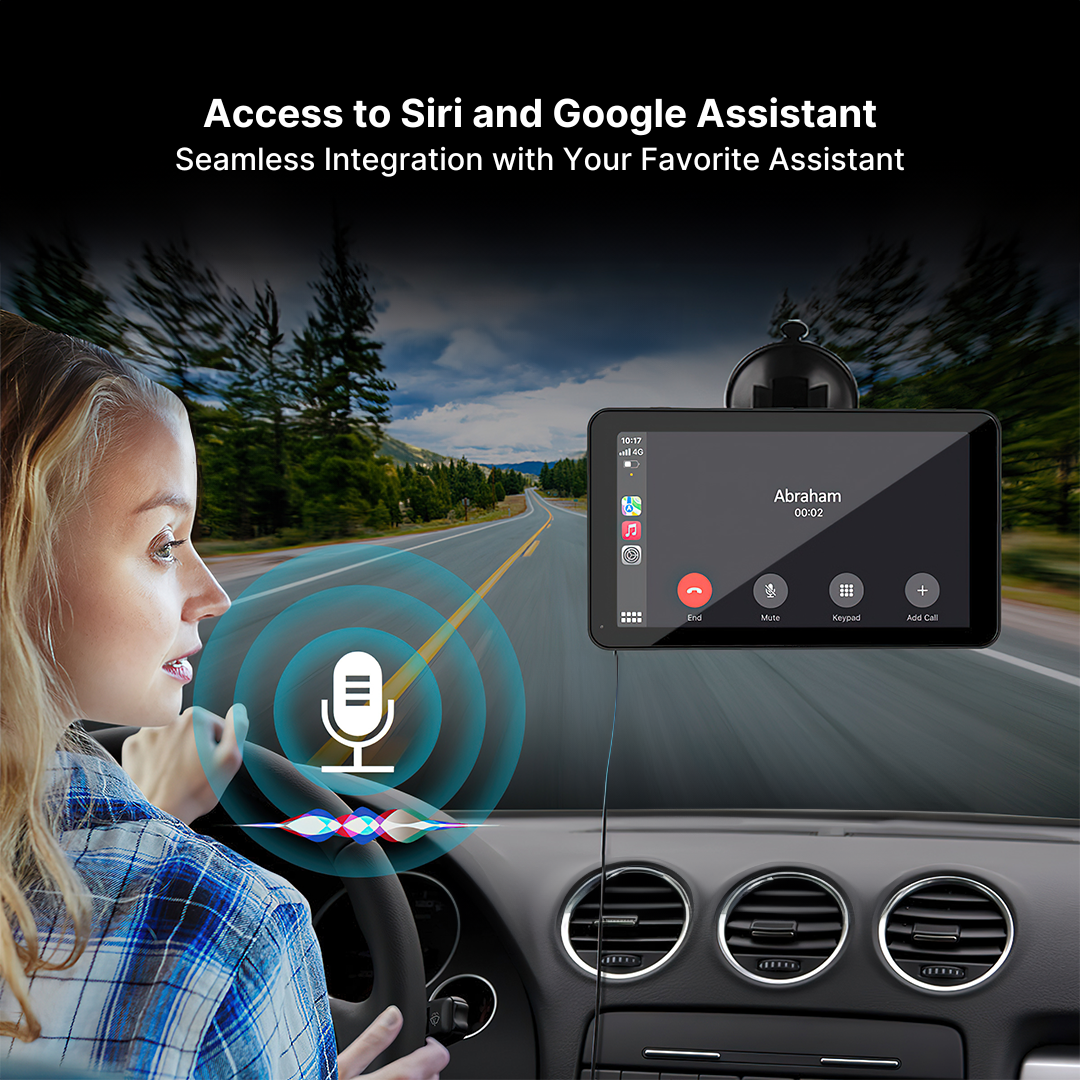
Support Voice Controls: Apple Siri & Android voice control & Google
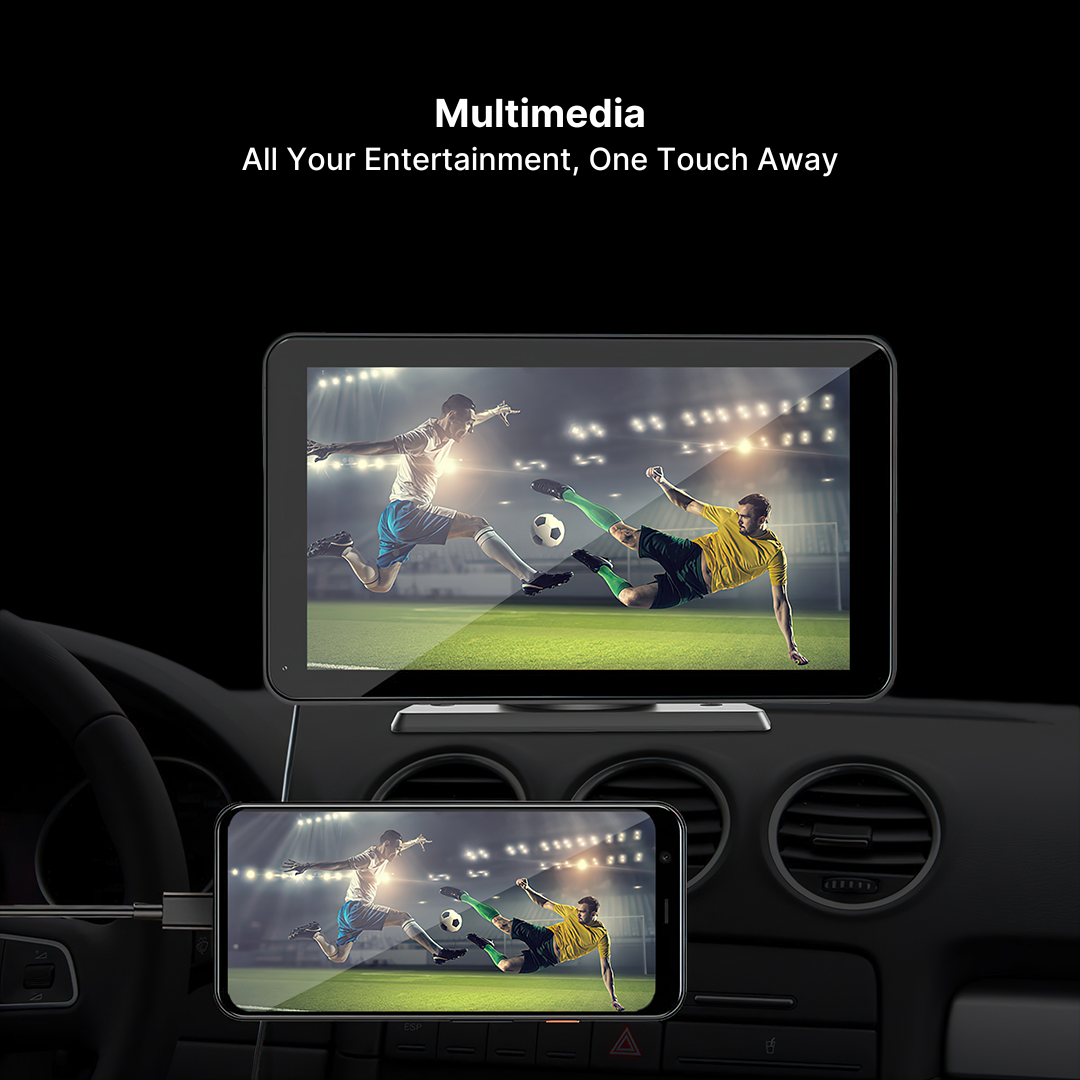
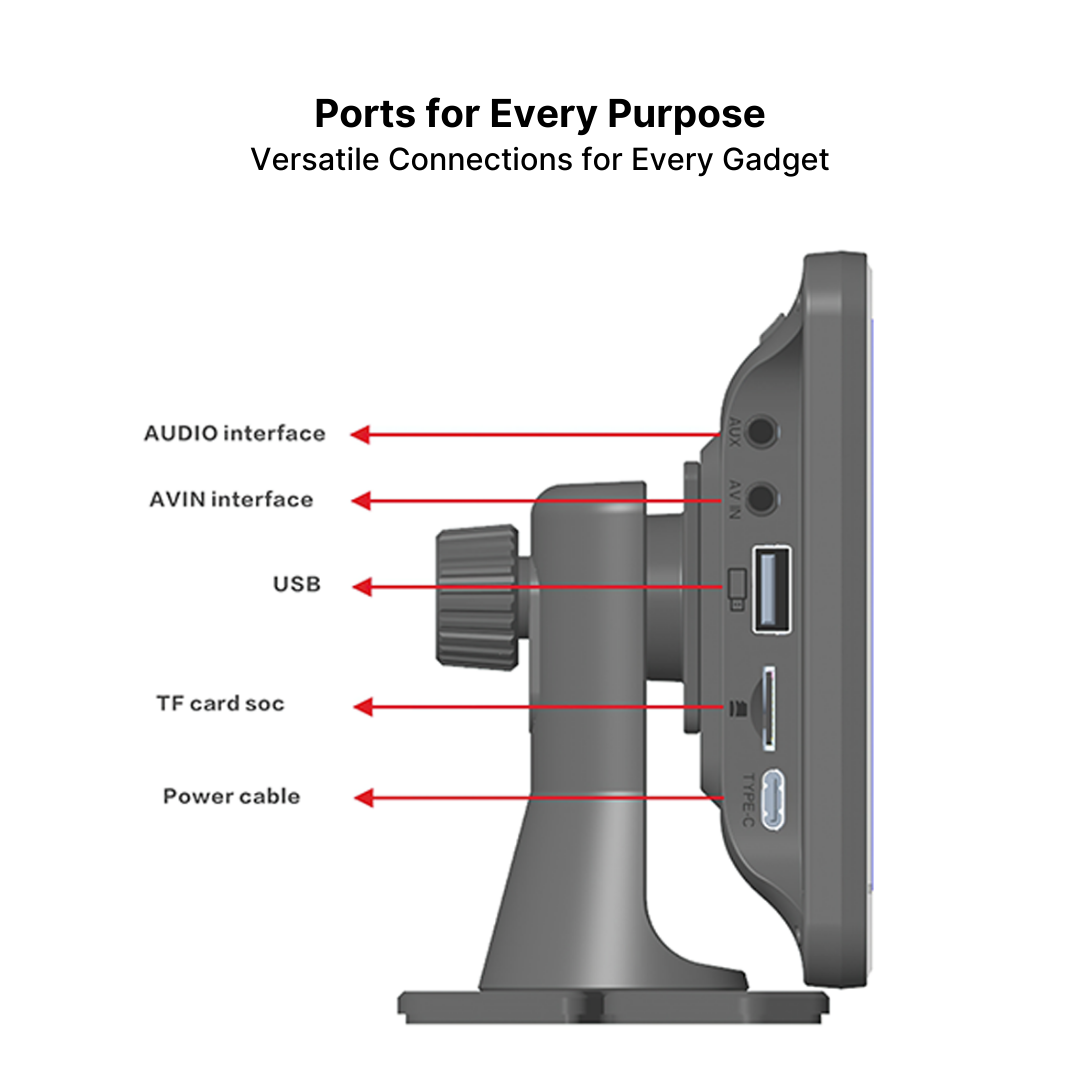
Multimedia Playback: USB + CAN IN +TF card Multiple input ports
Audio format: MP3/WMA/AAC/AC3/0GG/FLAC/APE
Video format: AVI/MPEG/MKV/MOV/MP4
Three kinds of audio output: FM transmitter/AUX cable/ Built-in 2W speaker
AUX output: 3.5mm RCA
Operating Voltage: DC 12V-24V
USB Port: 5V 2.1A
FM Frequency: FM 87.5 MHz to 108 MHz
What’s Included
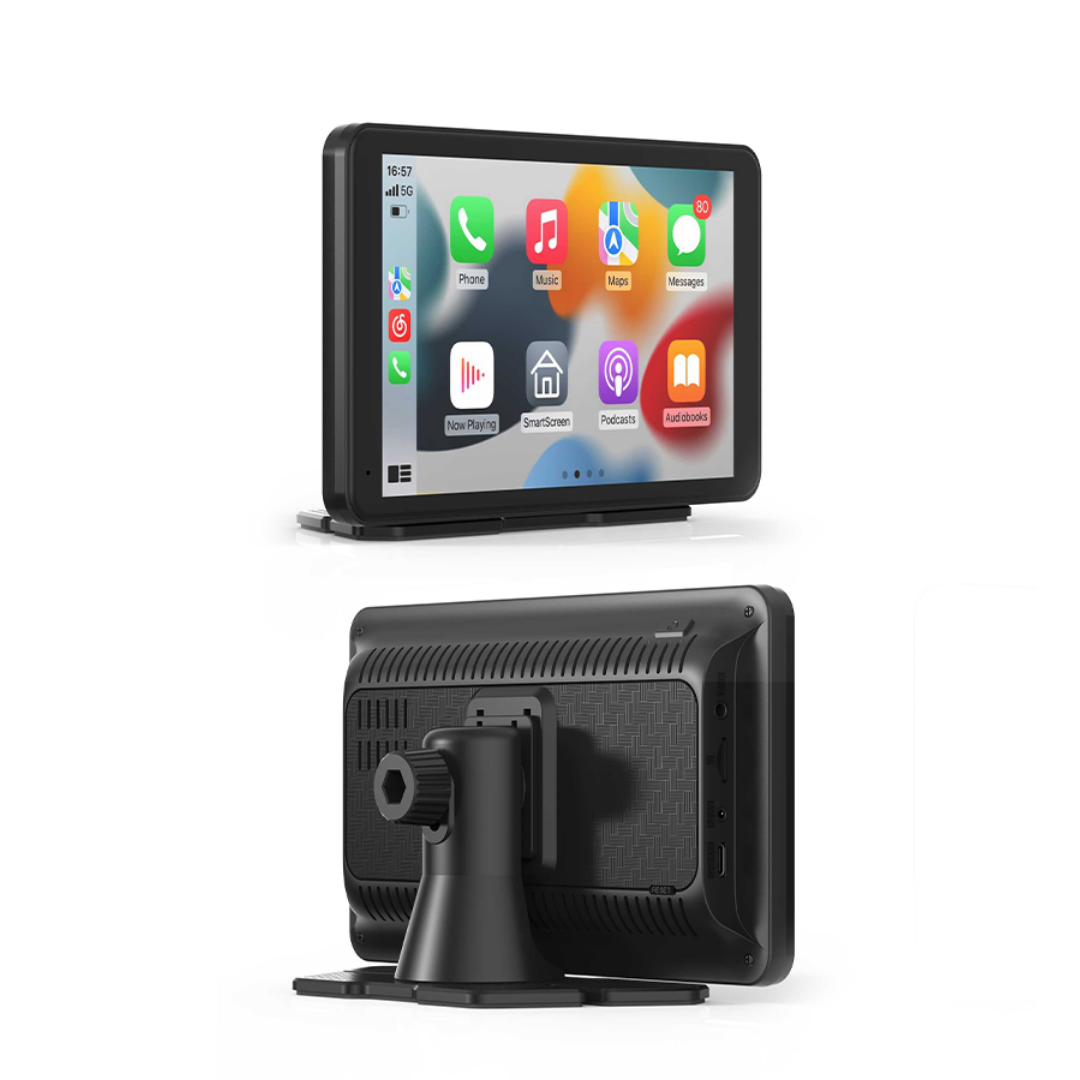
x1 NavPlus CarPlay & Android Auto Touchscreen
x1 3M Car Charger Cable
X1 AUX Cable
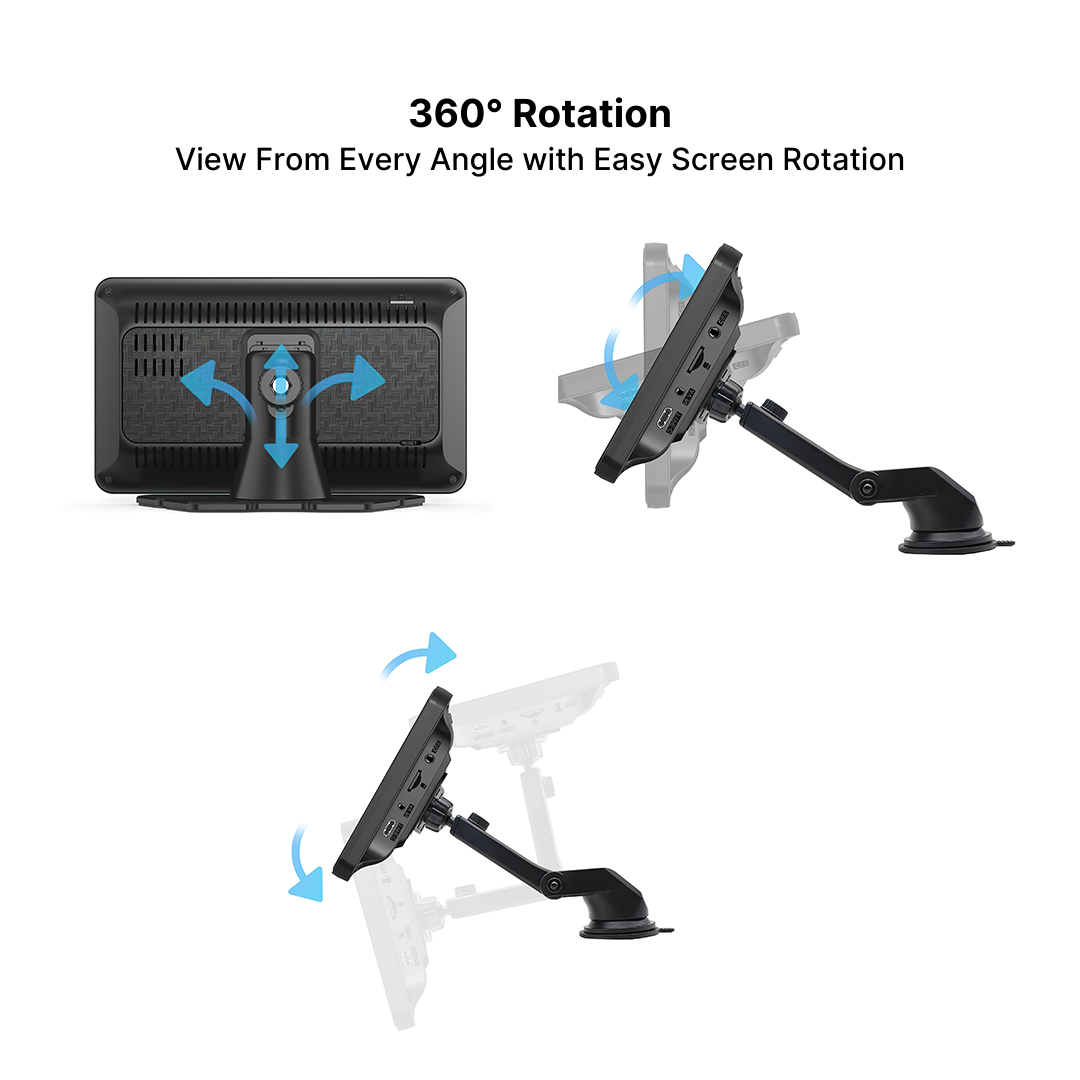
x1 Bracket
x1 User’s Manual
Compatibility
iPhone
iPhones with at least iOS 7.1
Android
Phones running Android 8.0 and up
FAQs
Can I use voice control?
Absolutely, it supports Apple Siri, Android voice control, and Google.
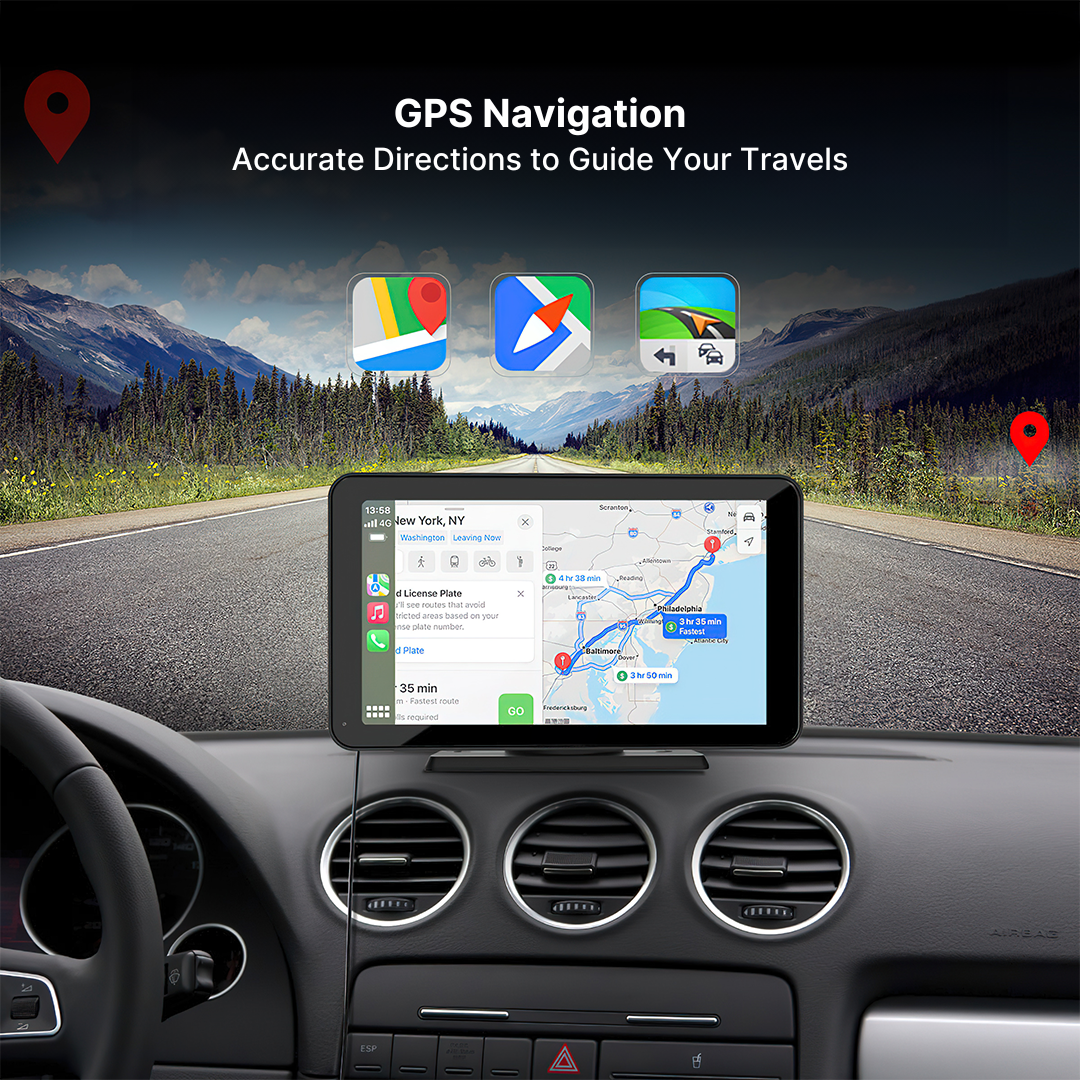
Does it support GPS navigation?
Yes, it features built-in GPS navigation.
Does it support steering wheel controls?
Yes, it is designed to integrate seamlessly with your car’s steering wheel controls.
How to Connect?
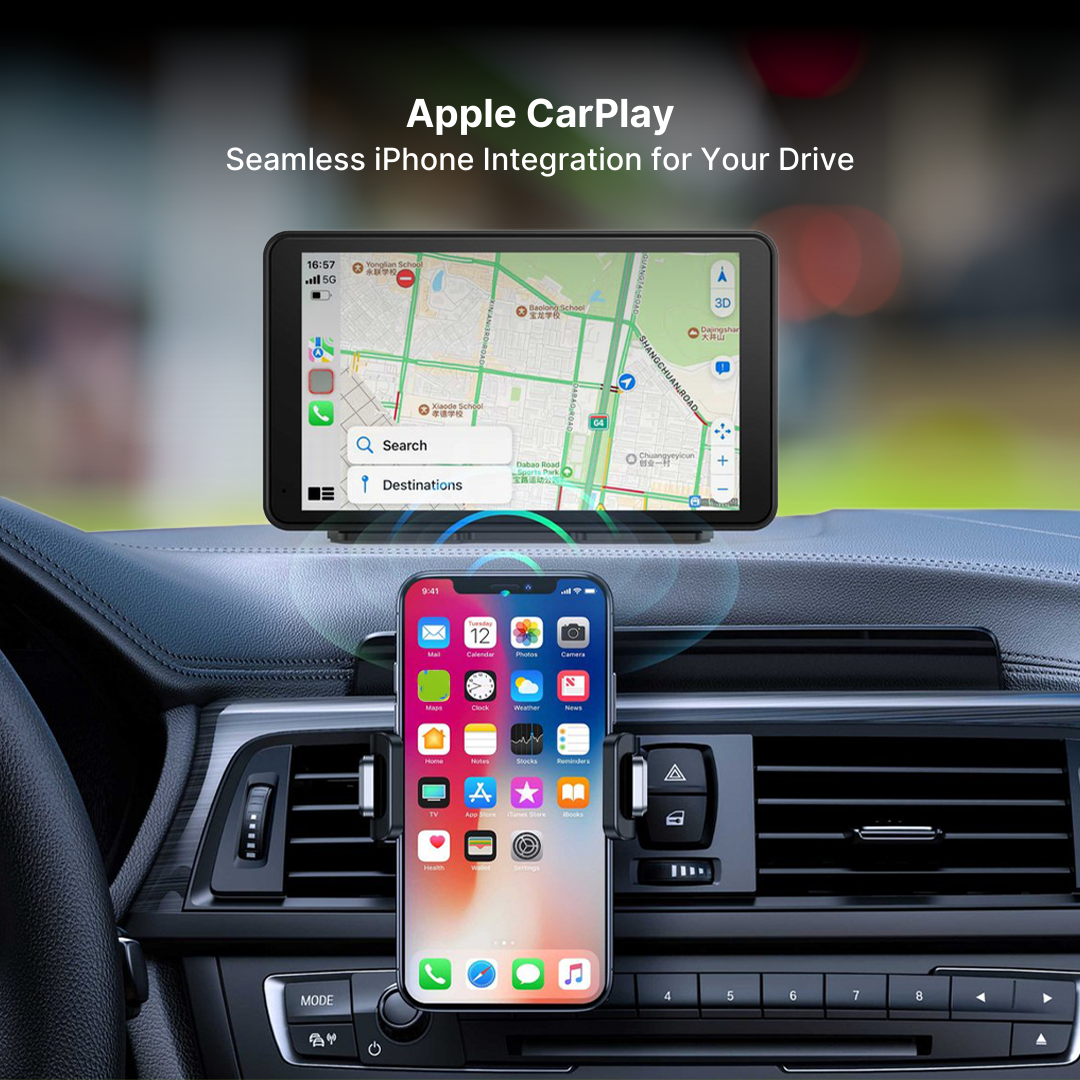
Apple CarPlay
1. Turn on “Bluetooth” and “Wi-Fi” on your iPhone.
2. Select the Bluetooth device.
3. Wait about 20-30 sec then select “Pair”.
4. Select “Use CarPlay”.
5. Please wait for a moment and you will enter the CarPlay mode.
Wireless Android Auto
1. Turn on “Bluetooth” and “Wi-Fi”.
2. Select “Bluetooth” to enter the Bluetooth search page.
3. Search for the Bluetooth device.
4. Wait for about 15 sec then click “Connect”.
5. Wait a moment until you enter Android auto mode.
Apple AirPlay
1. Go to settings on your iPhone > Wi-Fi.
2. Select the device’s wifi and enter the password.
3. Click the “Screen Mirroring” on the Control Center menus
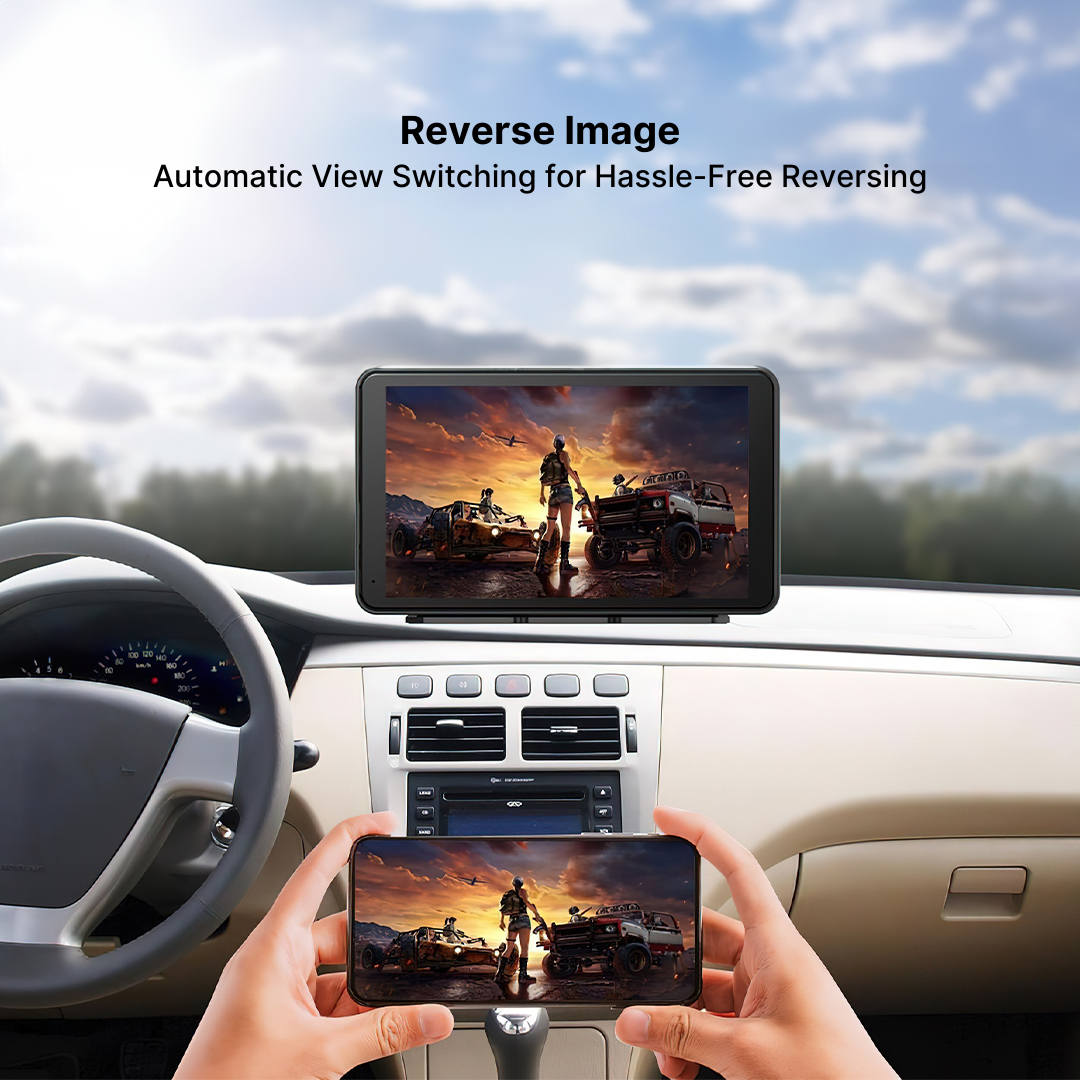
4. Click on NaviCam to complete Screen Mirroring
Reviews
There are no reviews yet.